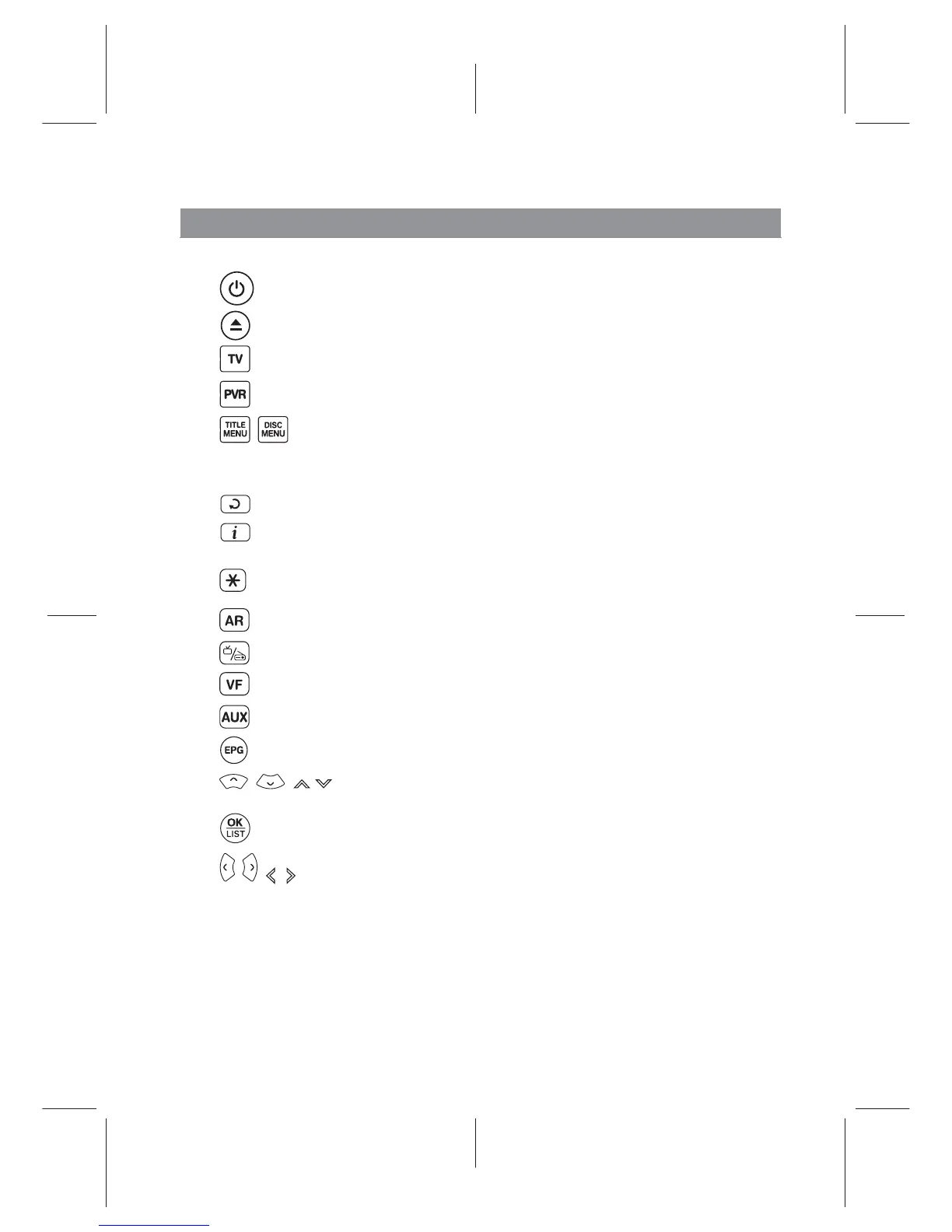
Remote Control
Ë
button switches the digital receiver between standby mode and active mode.
Ë
not used in this model.
Ë
switches the remote control to television mode to operate your television.
Ë
switches the remote control to receiver mode to operate the digital receiver.
Ë
, not used in this model.
Ë Numeric buttons are used to enter a service number for service change or to specify values
for menu options.
Ë
switches over between the current service and the previously viewed one.
Ë
displays the service information box. Also, displays more information about a
programme.
Ë
switches the PORTAL menu.
Ë
changes aspect ratio.
Ë
switches over between television services and radio services.
Ë
changes video resolution.
Ë
not used in this model.
Ë
displays the electronic programme guide.
Ë
,,( ) buttons switch to the navigation menus and interactive screens
Ë
displays the services list. Also, selects menu items.
Ë
, ( , ) change values for menu options.
4














 To Next Page