4
4.7 Options for the front display 27
However, pressing the button will display the informa-
tion box. If you set this option to Never Hide, the informa-
tion box will always be displayed. For the information box, see
§5.2.3.
In addition, you can raise or lower the position of the infor-
mation box. Set the Info Box Position option as you desire. Its
available range is ˰XW to RZ lines. The higher you set the op-
tion, the lower the information box will be positioned.
Ani-
mation option to Enable.
name column on the services list screen, you can get it to scroll
by setting the Text Scroll option to anything other than Disable.
With the choice of Full Scroll, it will be fully scrolled until its
end disappears; with the choice of Pa
rt Scroll, it will be scrolled
only to its end.
4.7 Options for the front display
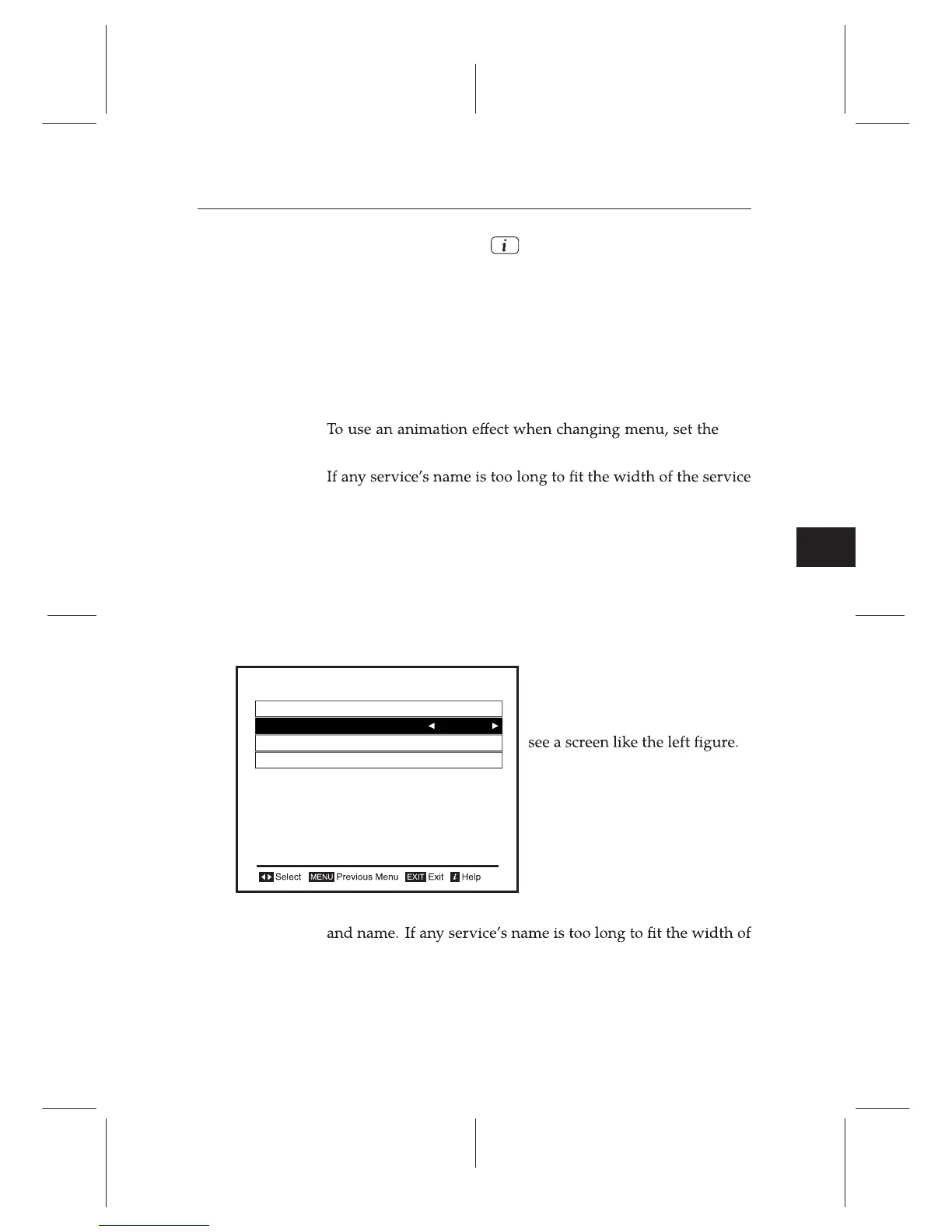
To set the options for the front
display, select the Settings e
Front Display menu. You should
The front display shows the currently viewed service’s number
the service name column, you can get it to scroll by setting the
Main Display Scrolling option to anything other than Disable.
With the choice of Unlimited, it will be repeatedly scrolled; with
Front Display
Main Display Scrolling
Unlimited
Sub Display Content
September 02 05:16
Brightness in Operation Mode
Brightness in Standby Mode
High
Middle
Default















 To Next Page