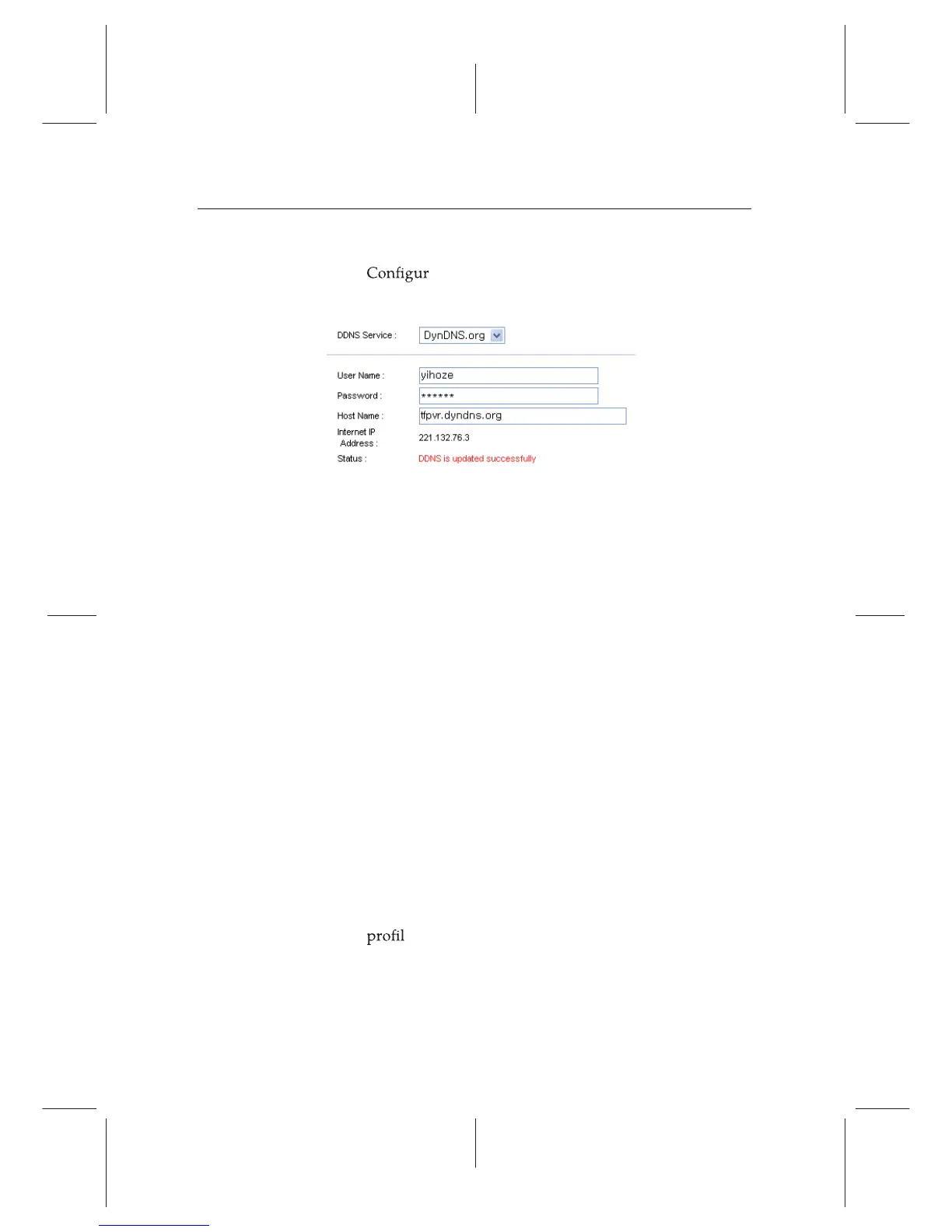
which should be supported by your router.
2.
e your router with the account so that it can
communicate with the web site.
Whenever a new dynamic IP address is assigned to the router,
it will inform the DDNS service provider of the new IP ad-
dress. This makes it possible that you access the router with a
domain name at any time.
9.2 Network setup
9.2.1 For a wired connection
1. Connect your Ethernet cable from your router to the Top-
pro recorder.
2. Press Installation e Network Setting e IP Setting.
3. Select Wired/Wireless LAN. Then select Wired as the pre-
ferred connection.
4. It is recommended to use a dynamic IP address by the
router therefore select DHCP as the connection type.
However if a static connection is set then please refer to
your router for an IP address, Subnet Mask, Gateway,
Primary DNS, Secondary DNS.
5. Once a connection has been set scroll down to activate
e and press the OK button on the remote.
6. A successful connection will populate all the IP settings
and the Level/Quality bars on the TV screen will show
a
high percentage level.
66 Accessing via Network















 To Next Page