4
4.10 Options for standby mode 29
To use those eects ramdomly, set this option to Random. The
default value is Random.
4.10 Options for standby mode
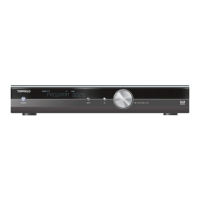
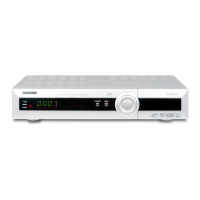
You can have the current time displayed on the front display
in standby mode. Select the Settings e Miscellaneous menu
and set the Standby Mode option to Active; otherwise, set it to
Passive. When you set the Standby Mode option to Active,the
receiver can also bypass the signal from the antenna.









 To Next Page