8
8.5 Playing back YouTube contents (optional) 59
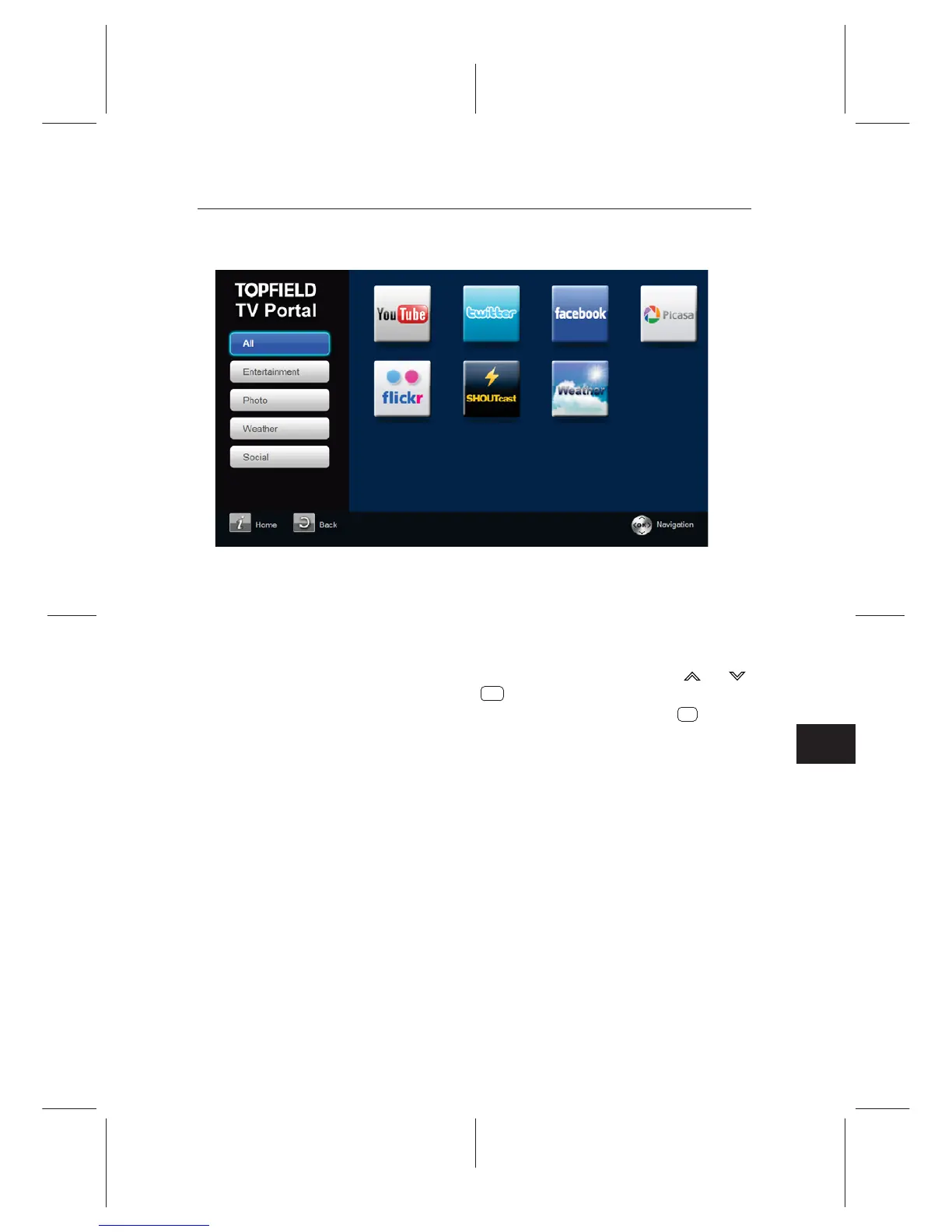
Select the Entertainment > Portal > YouTube.
To play back a YouTube content, select a content with and
buttons and press the button.
To play back the content with full screen, press the button.
To search contents by a keyword, select the Search menu.
Input the keyword, set the
Search Option as you need and
start the search.
8.5 Playing back YouTube contents (optional)
YouTube is a video sharing website where users can upload,
YouTube and play back various contents.
view and share video les. With the TRF-5300, you can access
You can also search contents by a specic keyword.
OK
F1















 To Next Page