5. Place the highlight bar on the right rmware e and
press the
OK button, and a countdown will be displayed
on the front display of the digital receiver.
6. When the message of ‘END’ appears, restart the digital
receiver.
11.2 From the rmware server via the Internet
You can update the rmware from the rmware server which
is being run by Toppro via the Internet. Make sure that the
digital receiver is connected to your router before
the network settings on the digital receiver.
NOTE
For detailed description about how to set up the router, refer
to the manual of your router.
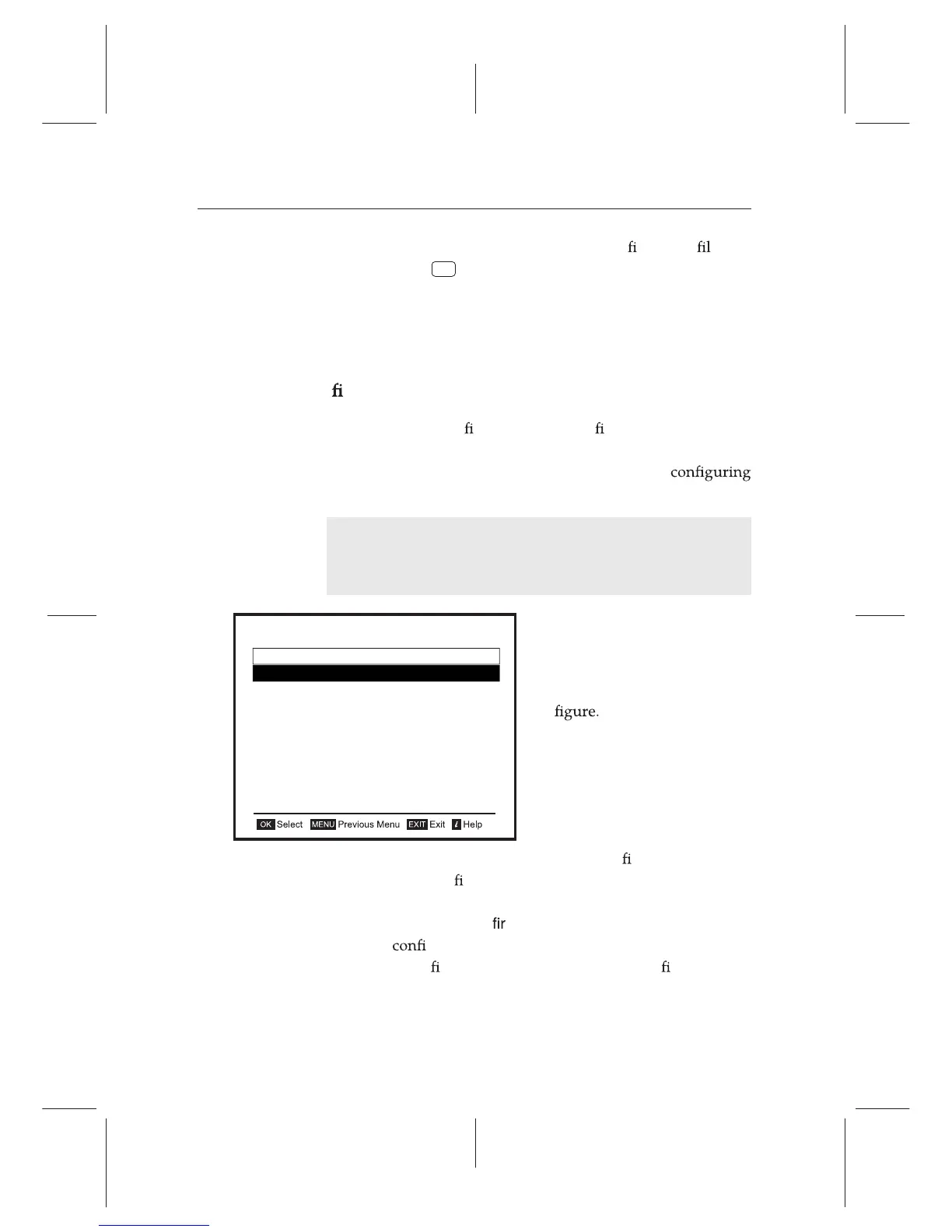
Select the Installation e
Firmware Upgrade e Net-
work Firmware Upgrade menu.
You should see a screen like the
left
To enable the digital receiver to update the rmware automat-
ically when a new
rmware is available, set the Automatic Up-
grade option to Enable. Otherwise if you want to do that by
yourself, select the Start
mware upgrade option, then you get
asked for
rmation. With the choice of Yes, it will check up
whether a new
rmware is available, and it starts rmware up-
date if any.
Firmware Upgrade
USB Firmware Upgrade
Network Firmware Upgrade
September 02 05:16
76 Firmware Upgrade














 To Next Page