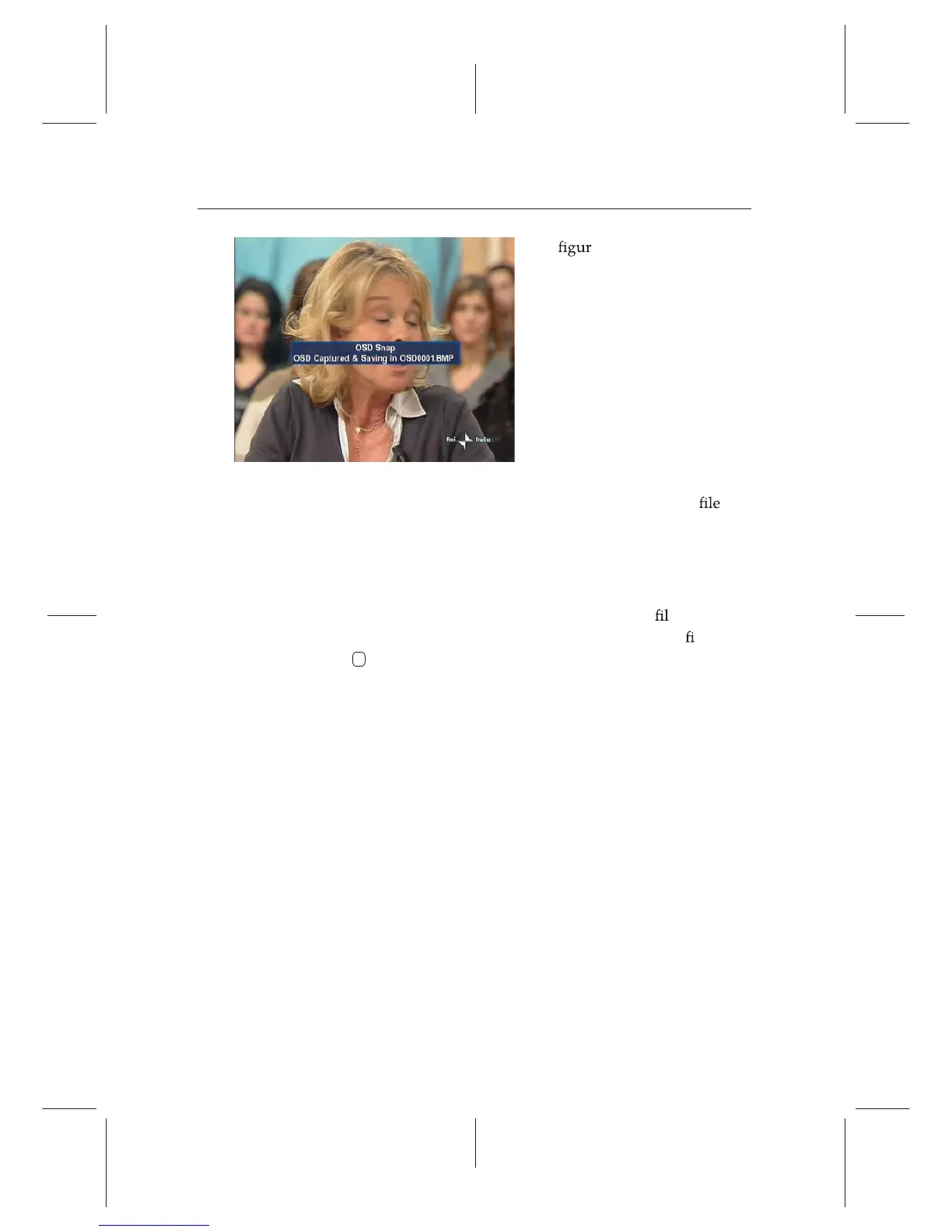
The e on the left is a screen-
shot of ScreenCapture.tap, with
which you can capture screen in
bmp format from the digital re-
ceiver. Not only this TAP but a
lot of sample TAPs are available
in the TAP API.
By the way, the digital receiver will not show the list of the
screenshots saved by the ScreenCapture.tap because bmp
s are
supposed to be ignored by the digital receiver. So, to view the
screenshots, you need to transfer them to your computer via
FTP.
If you want to have a program automatically run when the dig-
ital receiver starts up, then move the program
etotheAu-
toStart folder. If you want to abort the execution o
t, press
the
0 button at start-up.
74 Topeld Application Program















 To Next Page