TOPSHINE TRACKING TECHNOLOGY USER MANUAL OF MT100
- 27 -
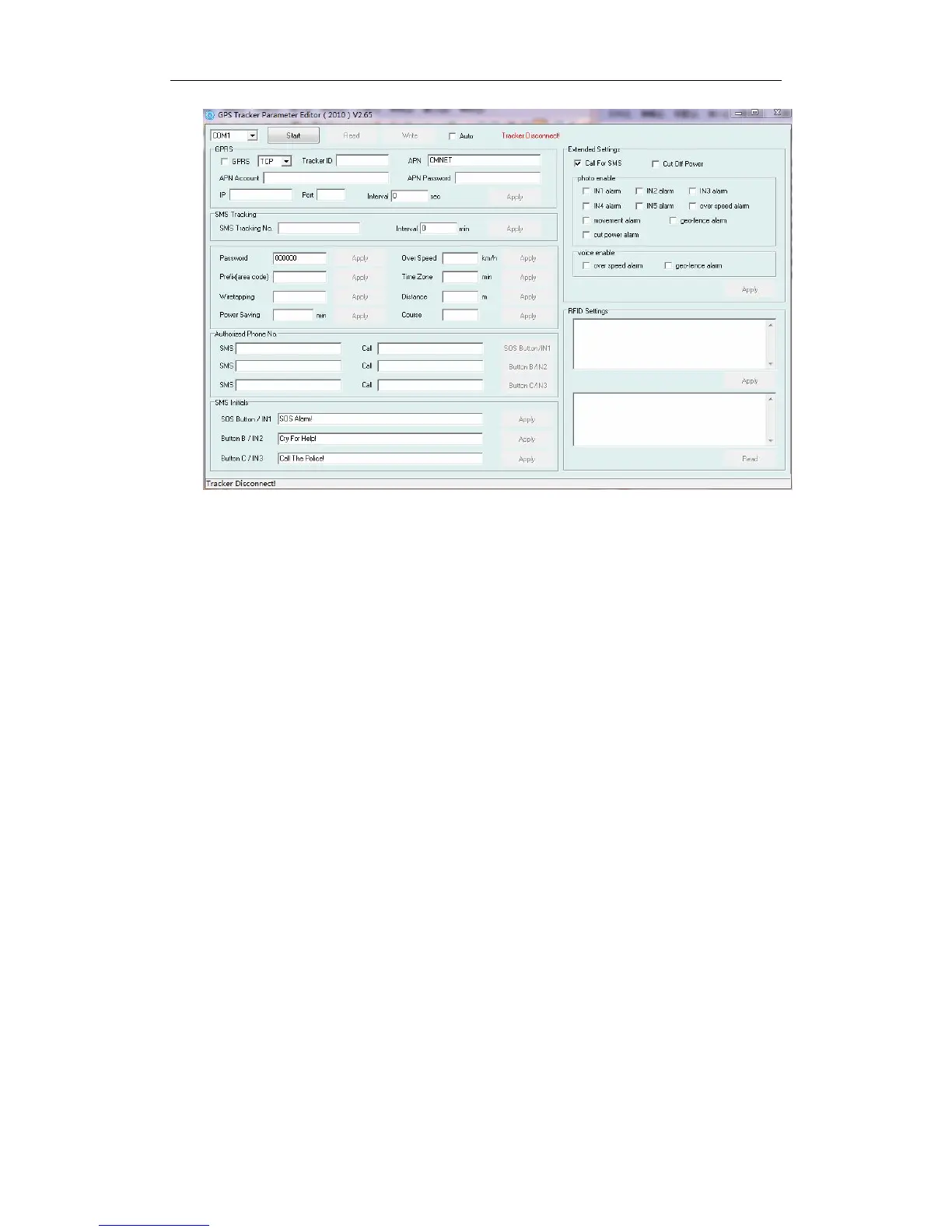
Turn on MT100 and it will connect with the Editor automatic, As soon as they connect
successful, all the buttons are availability and the status bar will clue on’ Tracker Connect!’ ,
then you can Read or Write the MT100’s Parameters
Step 2: Finding RFID Settings (as following picture). Following the digital sort to do: 1.
write the RFID tag’s number, (example: 00412) 2. click Apply, then display “com operate
success” ,click the OK; 3. Click the Read. 4. Then it will display “412” it prove already
configure authorized RFID tag succeed. If you want to configure multiple RFID tags, just like
the example “00412,00234,00322,*****”; after write success, it will display”
412,234,322,***”



 To Next Page