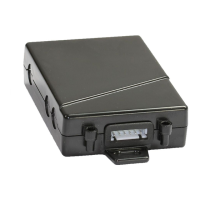
TOPSHINE TRACKING TECHNOLOGY USER MANUAL OF MT100
- 21 -
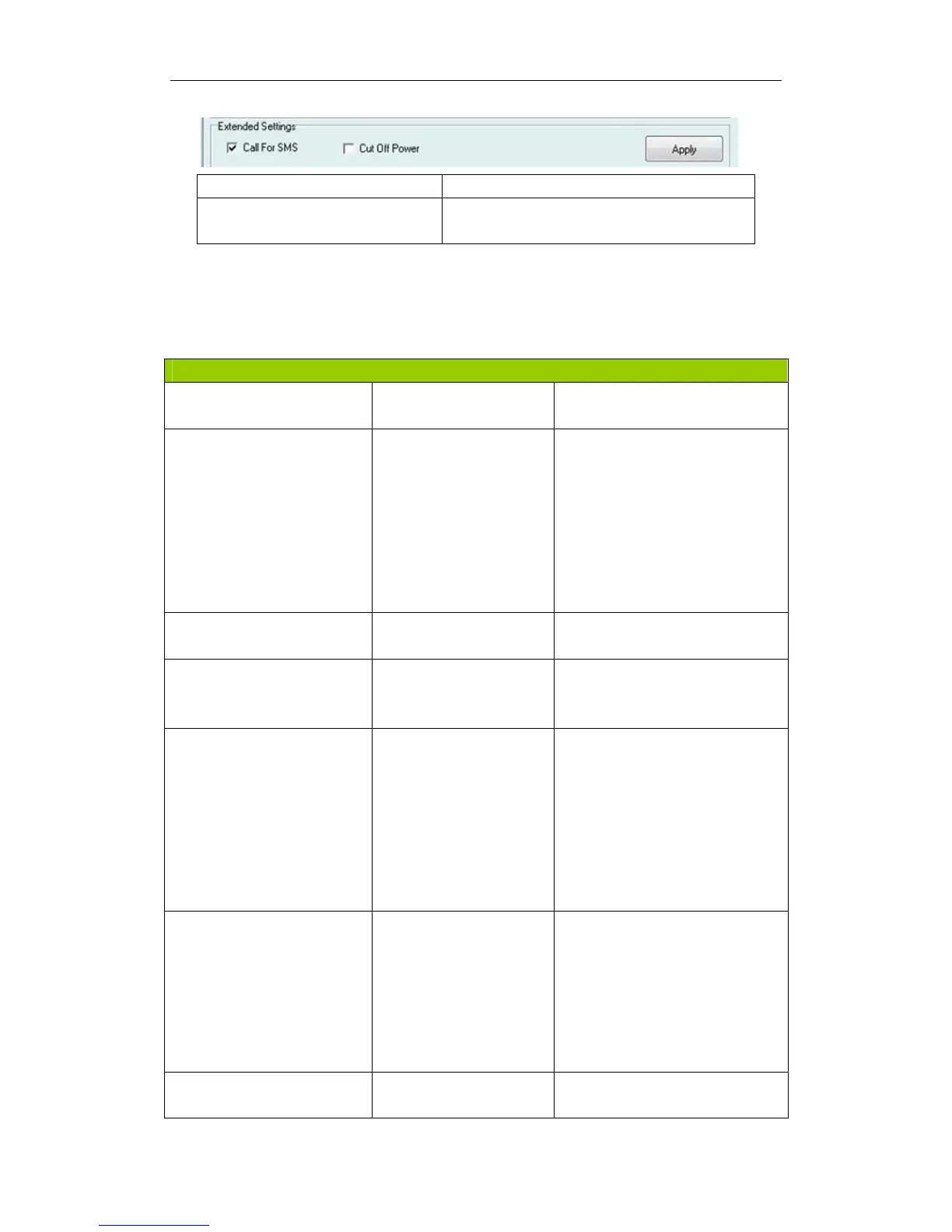
Call for SMS Tick it to reply SMS when calling in
Cut off Power Tick it to send alert when the external power
be cut off
Appendix 2 Command List
Presetting by SMS for GPRS tracking
Set ID for MT100 by SMS
W******,010,ID
Tracker ID must be less than 14
digits
Set APN by SMS
W******,011,APN,APN
Name, APN Password
APN Name, APN Password If no
password required, just insert
APN
name only;
APN defaulted as ‘CMNET’;
APN name + password not over
39
characters.
Set IP Address and Port by
SMS
W******,012,IP, Port
IP: xxx.xxx.xxx.xxx
Port: [1,65536]
Enable GPRS Function
W******,013,X
X=0, close GPRS (default);
X=1, enable TCP
X=2, enable UDP
Set Time Interval for
Sending GPRS Packet
W******,014,XXXXX
XXXXX should be in five digitals
and in
unit of 10 seconds.
XXXXX=00000,to disable this
function;
XXXXX=00001~65535, time
interval for sending GPRS
packet and in unit of 10 seconds.
Output Control W******,020,P,F
P =1, Out1
=2, Out2
=3, Out3
=4, Out4
=5, Out5
F =0, to disable the output
=1, to enable the output
Output Control (Safe
mode)
W******,120,ABCDE
ABCDE represents Out1, Out2,
Out3,


 To Next Page