7
1. Torque depends on the air pressure exerted on the air motor under load. Adjusting the F/R/L Unit
Regulator Knob initially sets the torque. To decrease the torque output, turn the regulator counter-
clockwise to lower the air ow/pressure. All Raptors are shipped and calibrated per TorcUP
ISO 17025: 2005 procedures.
2. Check for the desired torque setting for your selected model on the supplied torque chart. On the
RAPTOR F/R/L, adjust the air pressure by using the air regulator knob for the desired pressure/
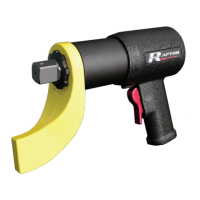
torque. With the RAPTOR Series Torque Wrench under load (not on the nut/bolt), press the trigger
until the pressure is set for desired torque output and airow/pressure. While the RAPTOR Series
Torque Wrench is under load, running at free speed (not on the nut/bolt), adjust the RAPTOR F/R/L
pressure at the same time.
A. SETTING TORQUE FOR BOLT TIGHTENING
1. Establish the air pressure required using the Torque Calibrated Chart provided with the tool.
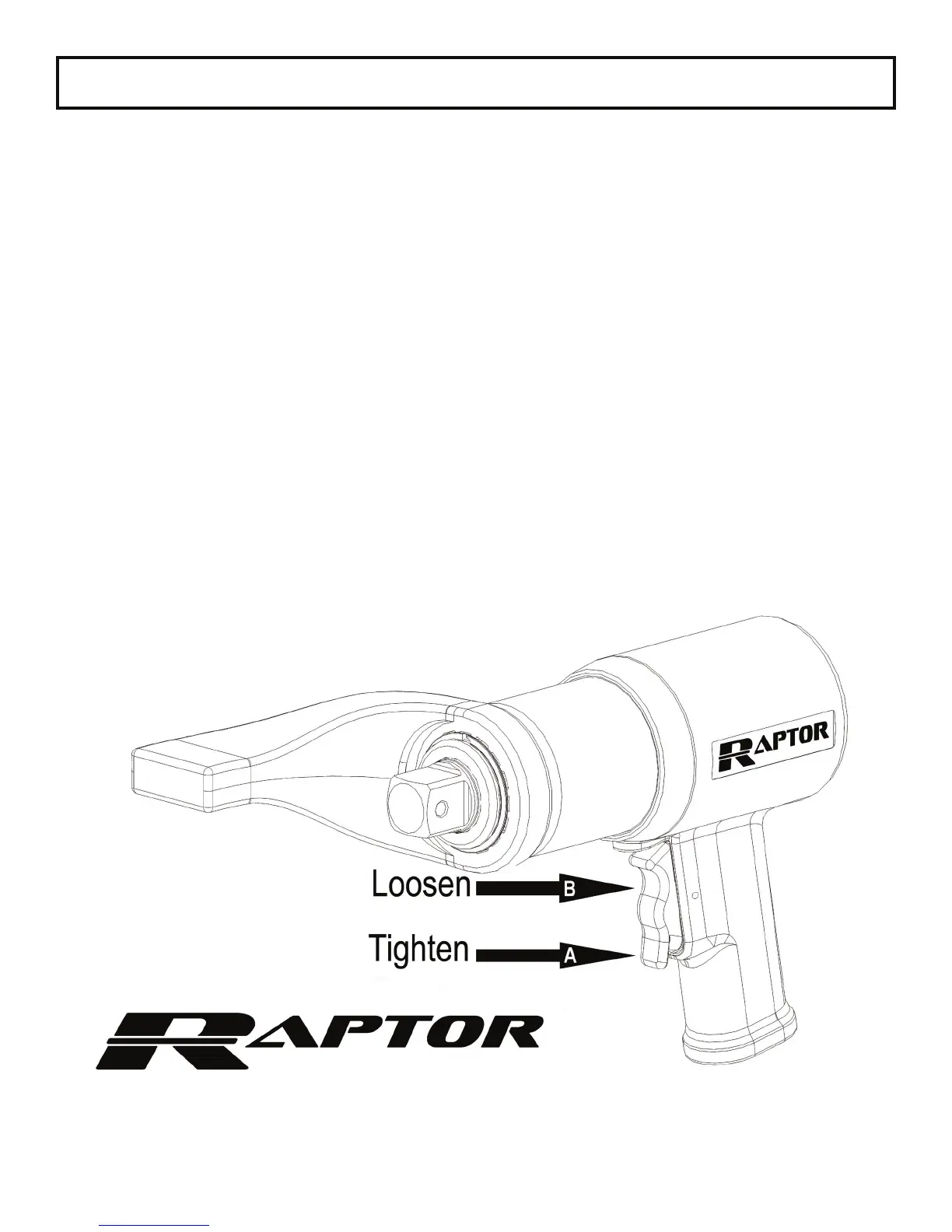
2. Press the trigger using the tightening direction per A on the below diagram.
3. Adjust the regulator until the correct pressure is shown on the gauge by turning the adjustment
knob clockwise.
B. SETTING TORQUE FOR BOLT LOOSENING
1. Set the air pressure at the max PSI for the tool.
2. Press the trigger using the loosening direction per B on the below diagram.
OPERATING PROCEDURES


 To Next Page