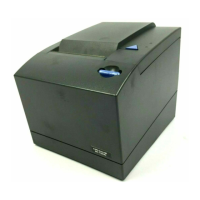
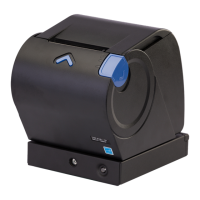
Removing the covers
There are two covers on the Models 1NR, 1NA, and 1ND printers, which you can
remove if needed. This section describes how to remove the two covers.
Removing the top cover
Follow these steps to remove the top cover:
1. Press and release the blue paper door release button to open the paper door.
A
Figure 15. Opening the top cover
Removing and replacing FRUs
Chapter 5. Removing and replacing FRUs 53



 To Next Page
 Loading...