2. PRINTER SETUP ENGLISH VERSION EO1-33097
2.8 Media Sensor Calibration, Self Print Test, and Dump Mode Utilities
E2-17
2.8.2 Self Print Test and
Dump Mode (Cont.)
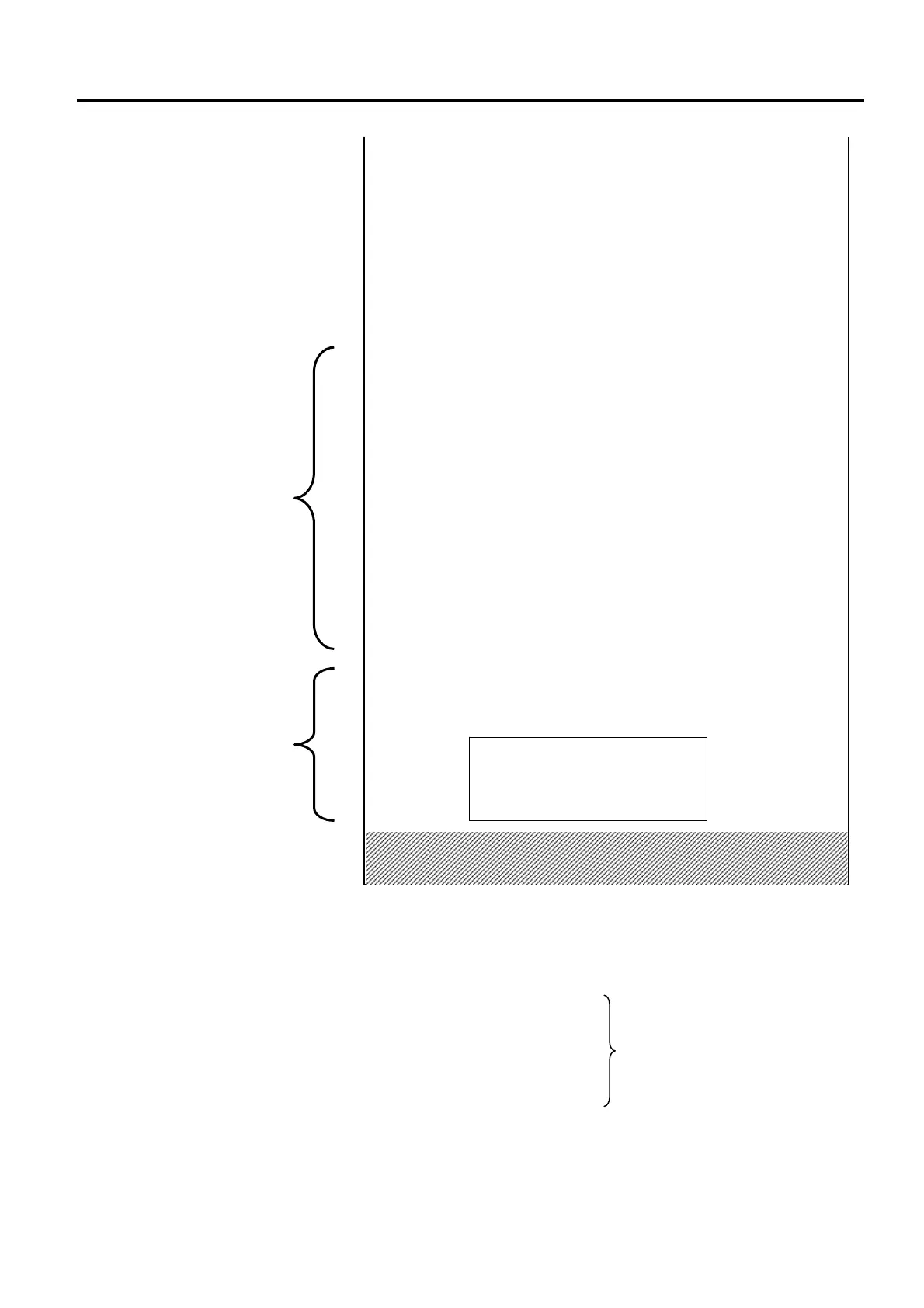
The test print content are different based on the emulation mode. The list
below is for TPCL mode.
PROGRAM VERSION ------------------------
TPCL VERSION --------------------------------
CG VERSION -----------------------------------
CHINESE VERSION--------------------------- Firmware version
CODEPAGE VERSION -----------------------
BOOT VERSION -------------------------------
KERNEL FONT VERSION -------------------
WLAN MODULE ------------------------------ WLAN module installation flag
BLUETOOTH MODULE --------------------- Bluetooth module installation flag
HW DETECT ------------------------------------ Hardware detection flag
TONE ADJUST(T) ----------------------------- Reserved parameter
TONE ADJUST(D) ----------------------------- Print tone fine adjustment value
FEED ADJUST---------------------------------- Print position fine adjustment value
CUT ADJUST ----------------------------------- Cut position fine adjustment value
[LAN]
IP ADDRESS [192.168.010.020]
SUBNET MASK [255.255.255.000]
GATEWAY [000.000.000.000]
MAC ADDRESS [ab-cd-ef-01-23-45]
DHCP [OFF]
DHCP CLIENT ID [FFFFFFFFFFFFFFFF]
[FFFFFFFFFFFFFFFF]
DHCP HOST NAME [ ]
[ ]
SOCKET COMM. [ON]
SOCKET PORT [8000]
[WLAN]
WLAN IP ADDRESS [192.168.10.200]
WLAN SUBNET MASK [255.255.255.000]
WLAN GATEWAY [0.0.0.0]
WLAN MAC ADRESS [00-80-92-4F-44-B]
WLAN DHCP [OFF]
WLAN DHCP HOSTNAME [00-80-92-4F-44-B]
[ E]
WLAN SOKET PORT [9100]
ESS ID [TOSHIBA_B-FV4]
[ ]
WLAN MODE [Infrastructure]
NETWORK AUTH. [OPEN]
WEP [OFF]
WEP DEFAULT KEY [1]
WPA ENCRYPTION [DISABLE]
EAP METHOD [DISABLE]
REGION CODE [USA]
CHANNEL [AUTO]
[BLUETOOTH]
DEVICE NICKNAME [B-FV4]
INQUIRY [EVERY]
ADDRESS
Barcode
* The barcode printed here displays a
Bluetooth address.
Printed when the Wireless LAN
interface option is installed.
Printed when the Bluetooth
interface option is installed.



 To Next Page
 Loading...









