2GettingStartedToshibaB‐FV4TOwner’ sManual
10
2.2TurningOn/Off thePrinter
Whentheprinterisconnectedtothehost(thecomputer),itisgoodtoturnonthe
printer before turning on the host, and turn off the host before turning off the
printer.
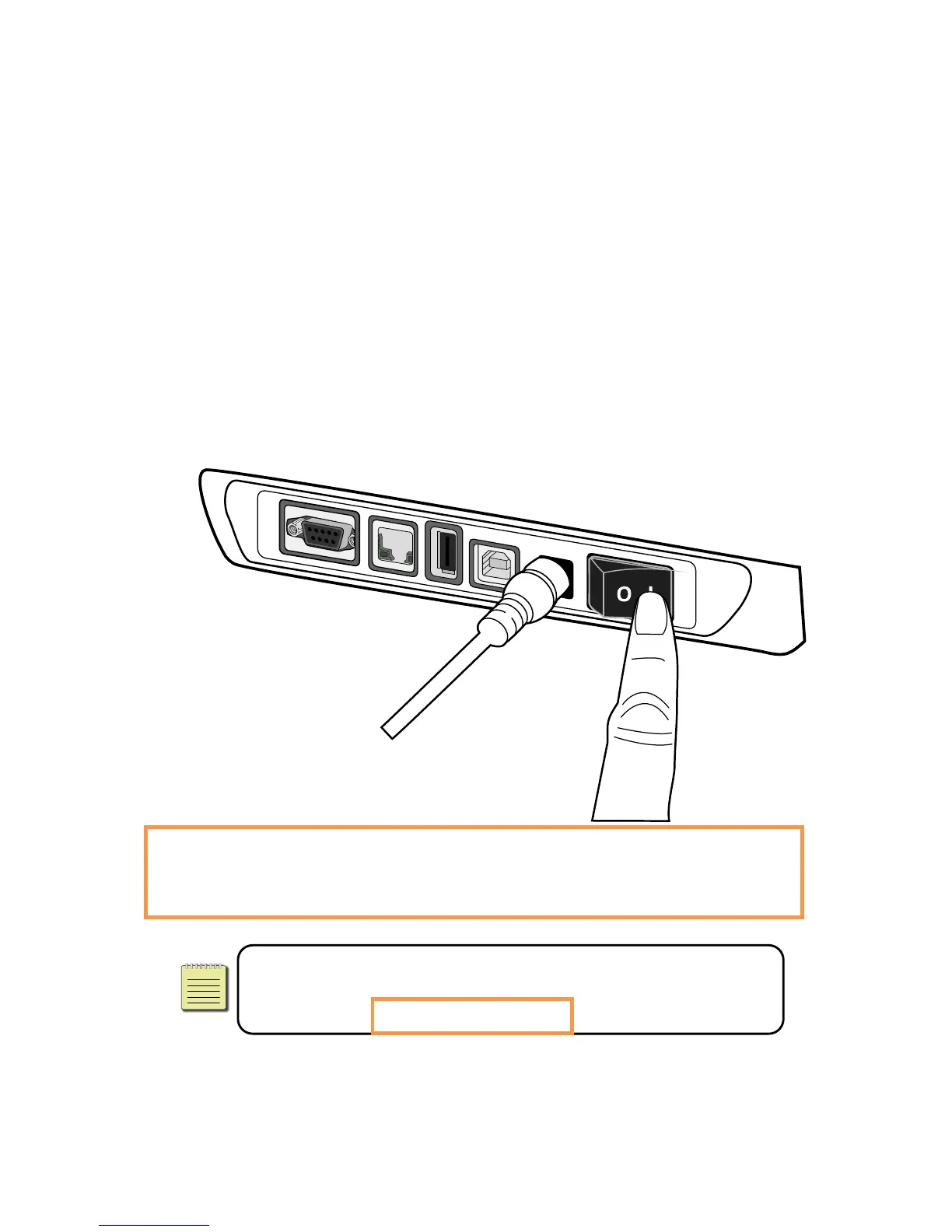
2.2.1 TurnOnthePrinter
1. To turn on the printer, turn on the Power Switch as below. The “I” is the ON
position.
2. Bothstatuslightswilllightupsolidorangeforafewseconds,andthenLED2goes
out,whileLED1turnstosolidgreen.
NoteIfyou connecttheprintertothe network or insert a USB drive
beforeturningontheprinter,itwilltak elongerfortheprintertoenter
theonlinemode(LED1lightsupsolidgreen)afteryouturniton.



 To Next Page
 Loading...