110
Editing
EN
Deleting parts of titles
Editing discs (cont’d)
You can delete a specifi c part of a title.
Even when parts of title are deleted from the Playlist, the
original title will remain as it is.
The disc space to record will not be increased.
1
Follow steps 1 to 3 on page 100 to display the
Edit menu.
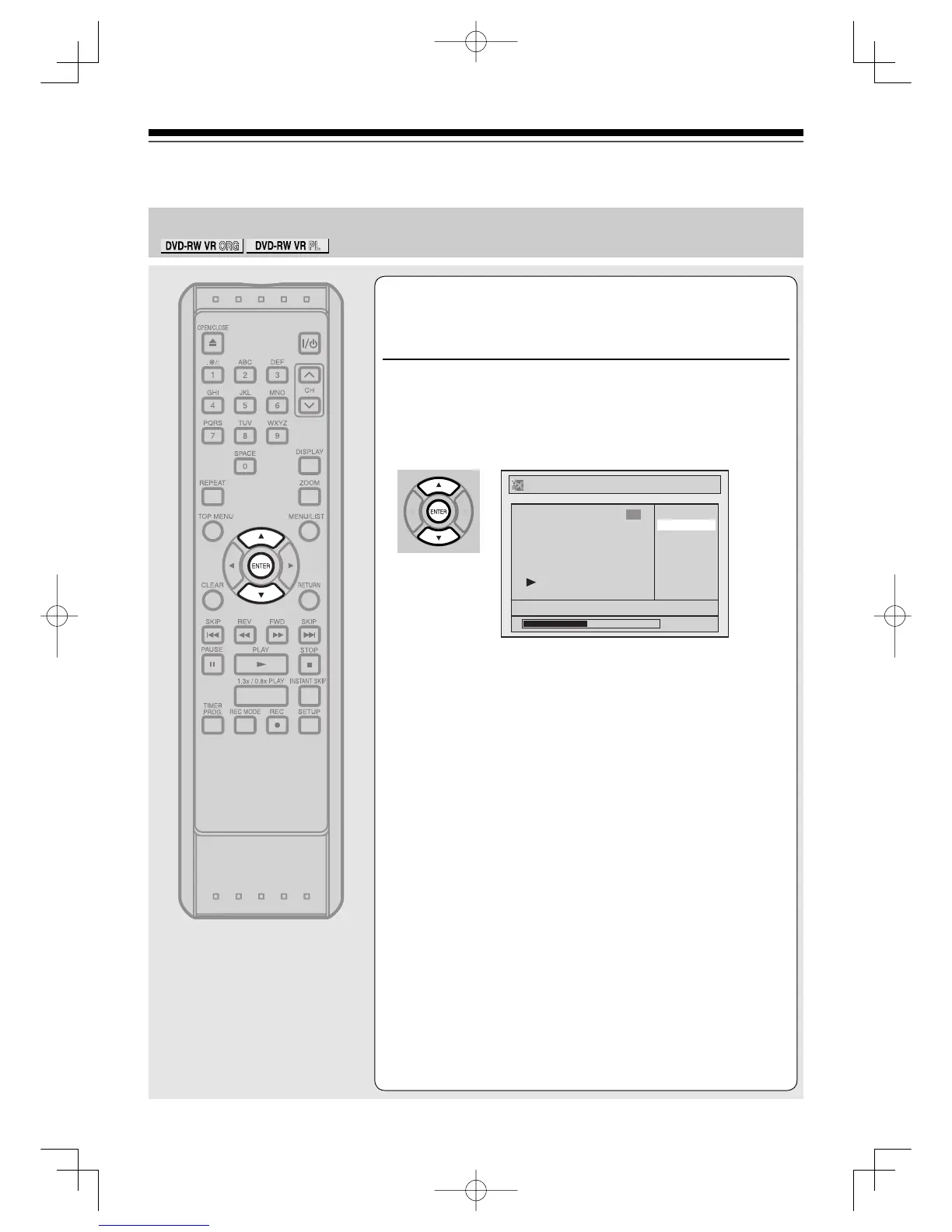
Using [K / L], select “Scene Delete”. Press
[ENTER].
<eg. DVD-RW VR mode Playlist>
Option window will appear.
Playlist
Scene Delete
Title Delete
Edit Title Name
Chapter Mark
Index Picture
Title Dividing
Title Combining
JAN/ 1/06 1:00AM CH12 XP
0:00:59
3
EditingUD.indd110EditingUD.indd110 2006/01/1116:29:372006/01/1116:29:37



 To Next Page