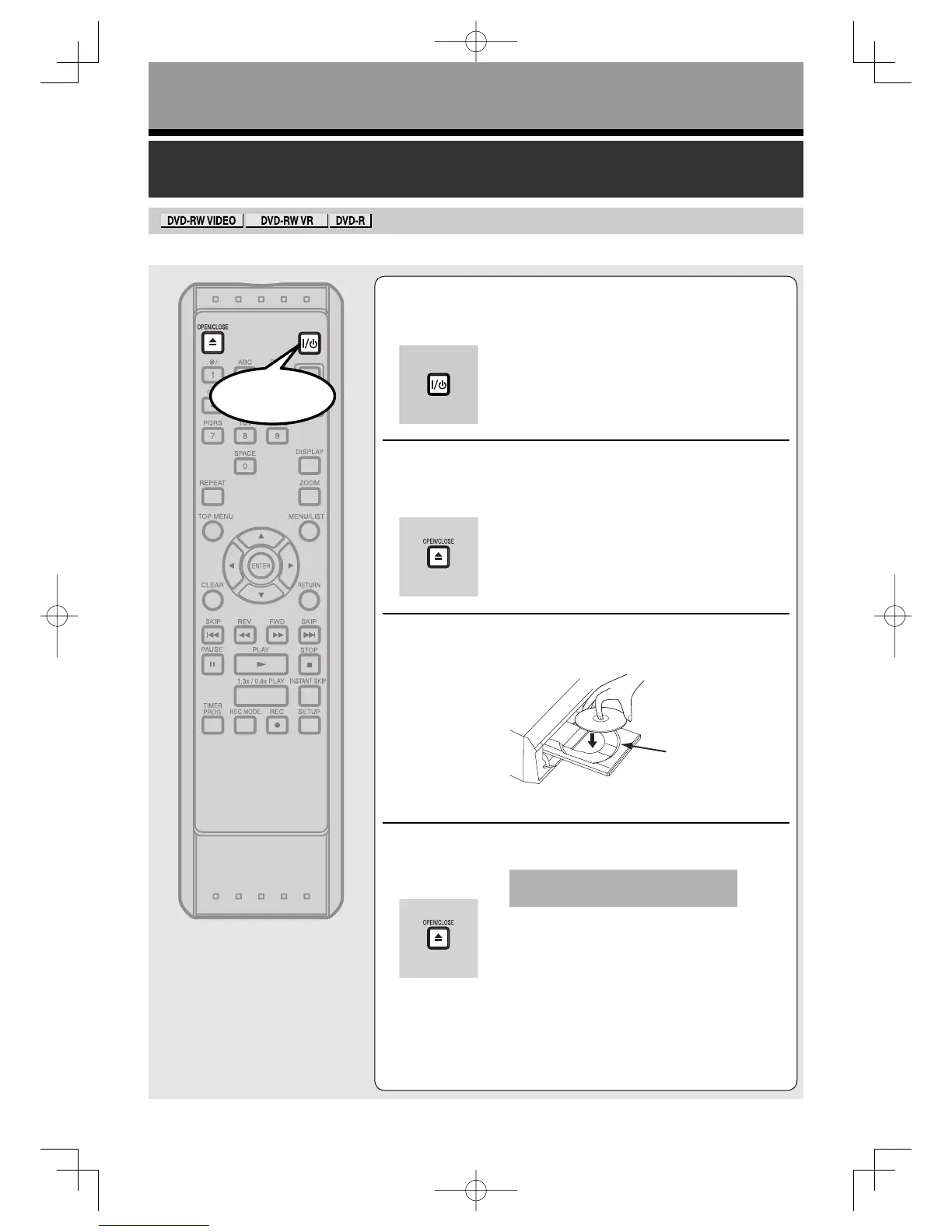
ON/STANDBY].
Turn the TV on and be sure to select the input to which the unit
is connected.
2
Press [OPEN/CLOSE A] .
The disc tray will open.
3
Insert your disc with its label facing up. Align
the disc to the disc tray guide.
4
Press [OPEN/CLOSE A] to close the disc tray.
This operation may take a while to
be recognized.
disc tray
guide
Start
RecordingUD.indd56RecordingUD.indd56 2006/01/1116:28:362006/01/1116:28:36



 To Next Page