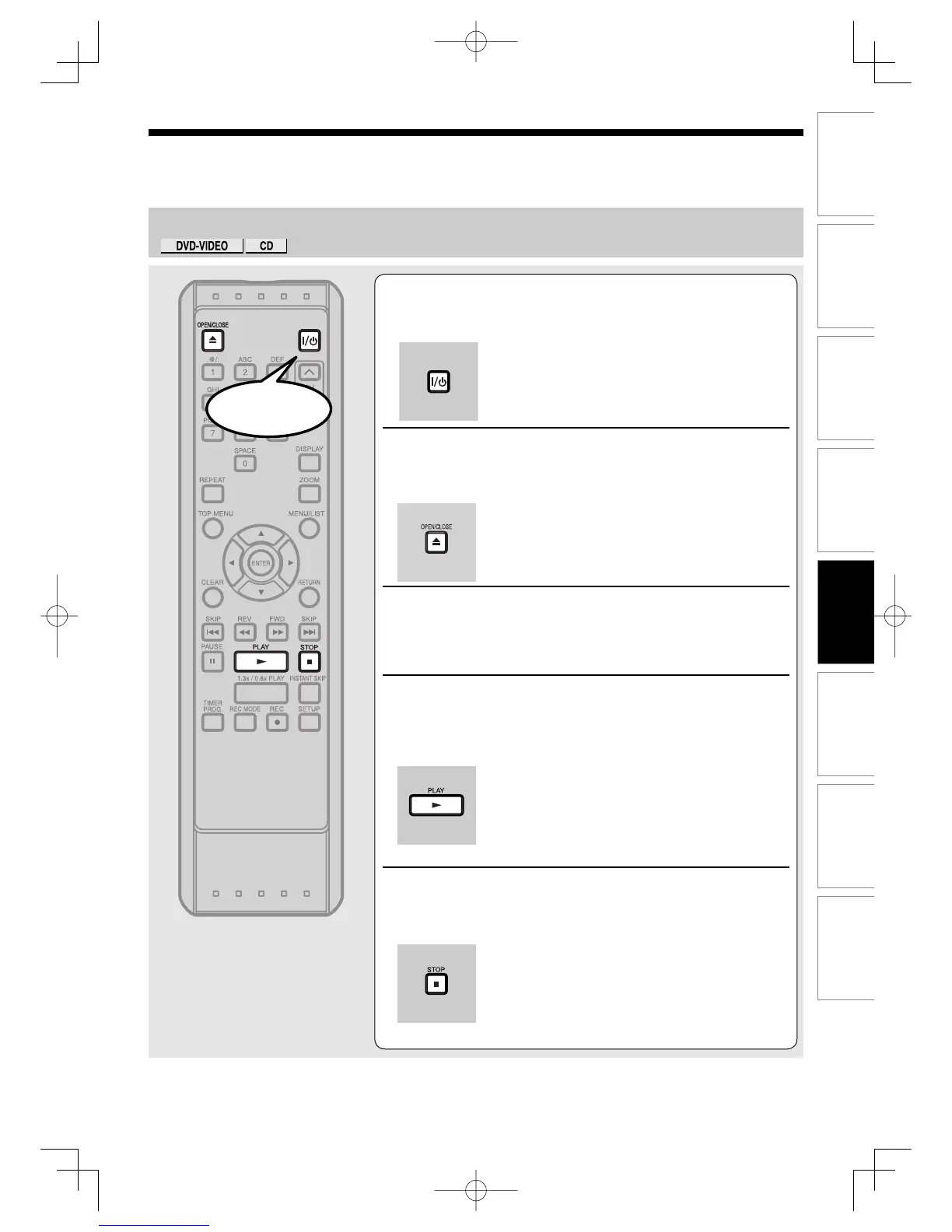
ON/STANDBY].
Turn the TV on and be sure to select the input to which the unit
is connected.
2
Press [OPEN/CLOSE A] to open the disc tray.
The disc tray will open.
3
Insert your disc with its label facing up. Align
the disc to the disc tray guide.
4
Press [PLAY B] to start playback.
Playback will start.
If you are playing a DVD-Video disc or a menu may appear.
Refer to page 86 for details about the Disc menu.
5
Press [STOP C] to stop playback.
Start
Note
• Some discs may start playback automatically.
PlaybackUD.indd83PlaybackUD.indd83 2006/01/1116:29:072006/01/1116:29:07



 To Next Page