84
Playback
EN
Playing MP3, WMA, JPEG disc
Basic playback (cont’d)
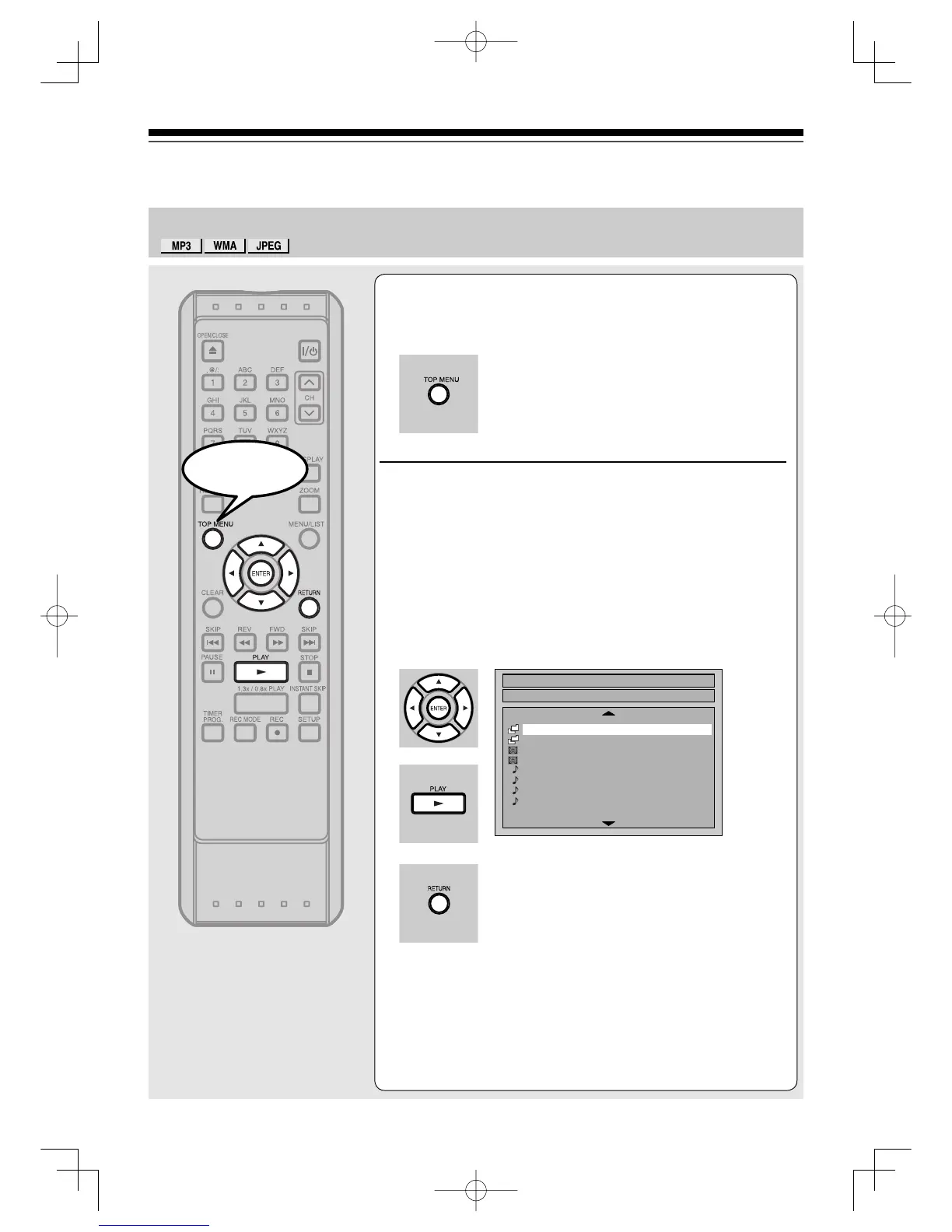
1
In stop mode, press [TOP MENU] to call up
the menu.
•To exit the menu, press [TOP MENU] again.
2
Using [K / L], to select a desired folder
(group) or track. Press [ENTER].
When selecting track:
Playback will start.
When selecting the folder:
The files in the folder will appear.
Press [K / L] to select the track or the folder you want, then
press [ENTER].
• Press [PLAY B], [ENTER] or [B] to move to the lower
hierarchies.
• Press [s] or [RETURN] to the previous hierarchy.
File List
DISC NAME
A
B
1 JPEG file1
2 JPEG file2
3 MP3 file1
4 MP3 file2
5 WMA file1
6 WMA file2
1/2
W
W
3
3
Start
PlaybackUD.indd84PlaybackUD.indd84 2006/01/1116:29:072006/01/1116:29:07



 To Next Page