96
Playback
EN
Adjusting Black Level
You can adjust the Black Level Setting to make the dark
areas of the TV picture brighter.
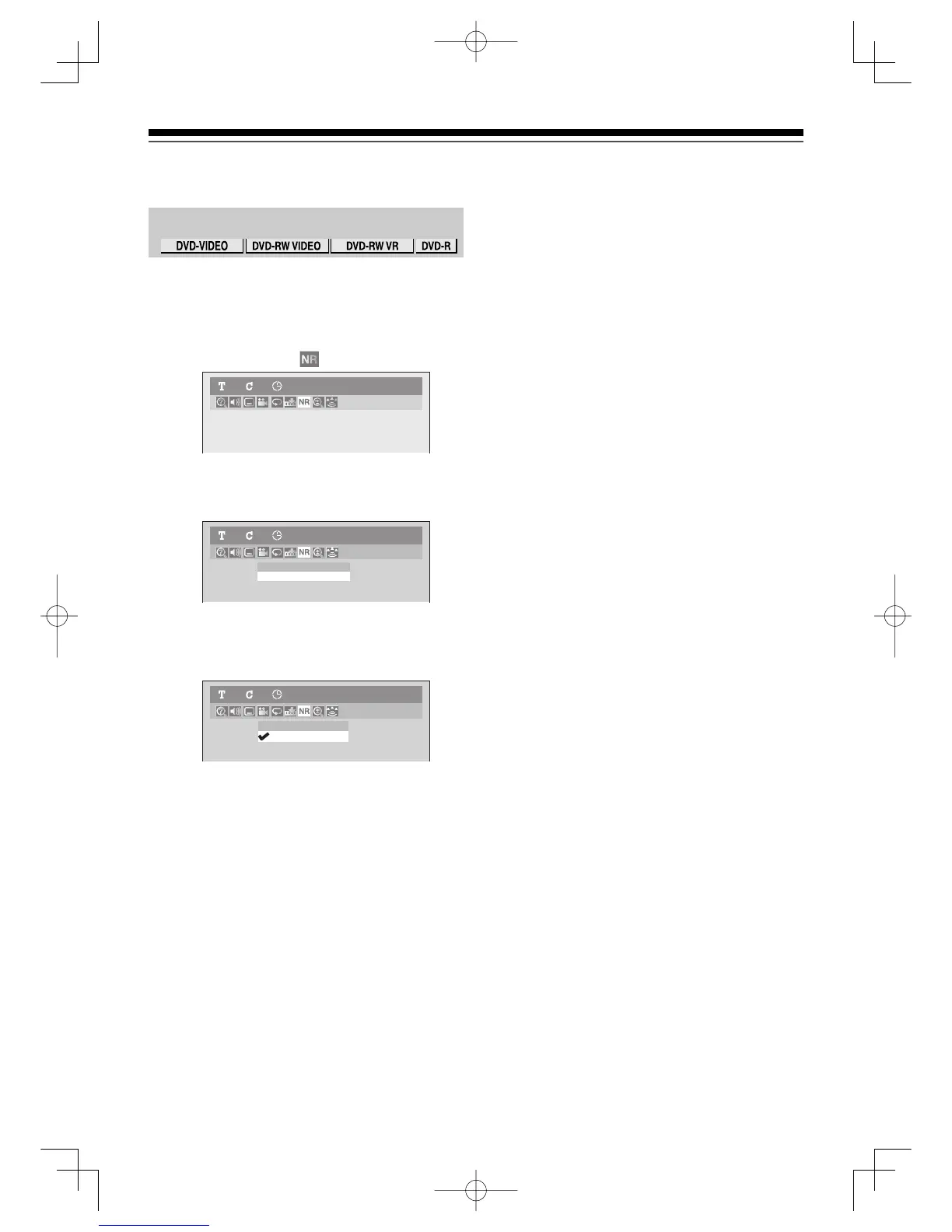
1) During playback, press [DISPLAY].
The Display menu will appear.
2) Using [{ / B], select . Press [ENTER].
Noise Reduction menu will appear.
3) Using [K / L], select “Black Level”. Press
[ENTER].
Option menu will appear.
4) Using [K / L], select “ON”. Press [ENTER].
Your setting will be activated.
Notes
•
You can adjust Black Level Setting only during
playback.
• The setting will be kept even when the unit is turned off.
DVD-Video
1 1 0:04:01
DVD-Video1 1 0:04:01
Black Level
ON
No is e Redu ctio n
OFF
DVD-Video1 1 0:04:01
ON
OFF
PlaybackUD.indd96PlaybackUD.indd96 2006/01/1116:29:112006/01/1116:29:11



 To Next Page