47
Recording Playback EditingIntroduction Connections
Basic Setup
Function Setup Others
EN
Note
If you have a standard TV:
Select “4:3 Letter Box”, so that black bars appear on the top and bottom of the screen. Select “4:3 Pan & Scan” for a full
height picture with both sides trimmed.
If you have a widescreen TV:
Select “16:9 Wide”.
4
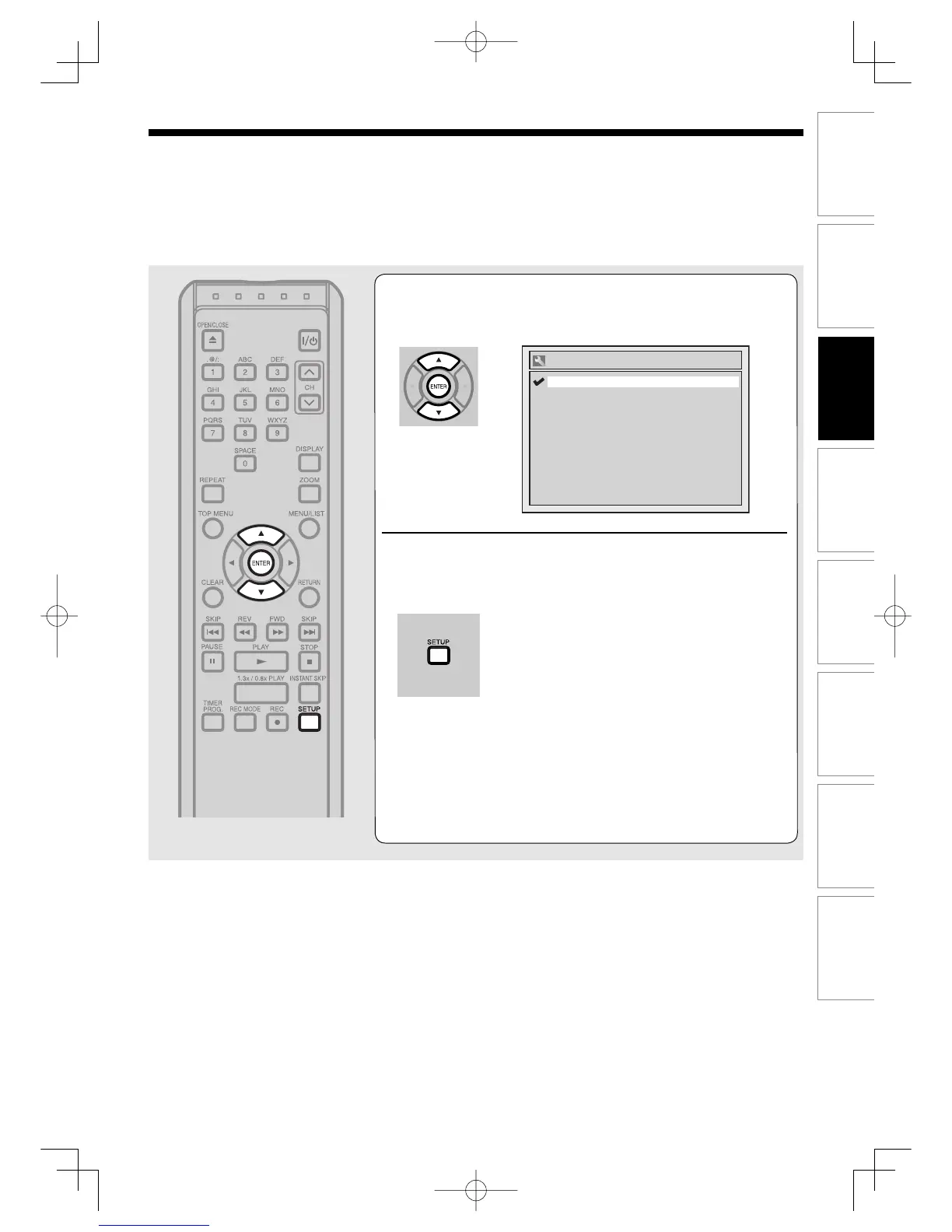
Using [K / L], select a desired format.
Press [ENTER].
5
Press [SETUP] to exit.



 To Next Page