73
Recording
Playback EditingIntroduction Connections
Basic Setup
Function Setup Others
EN
4
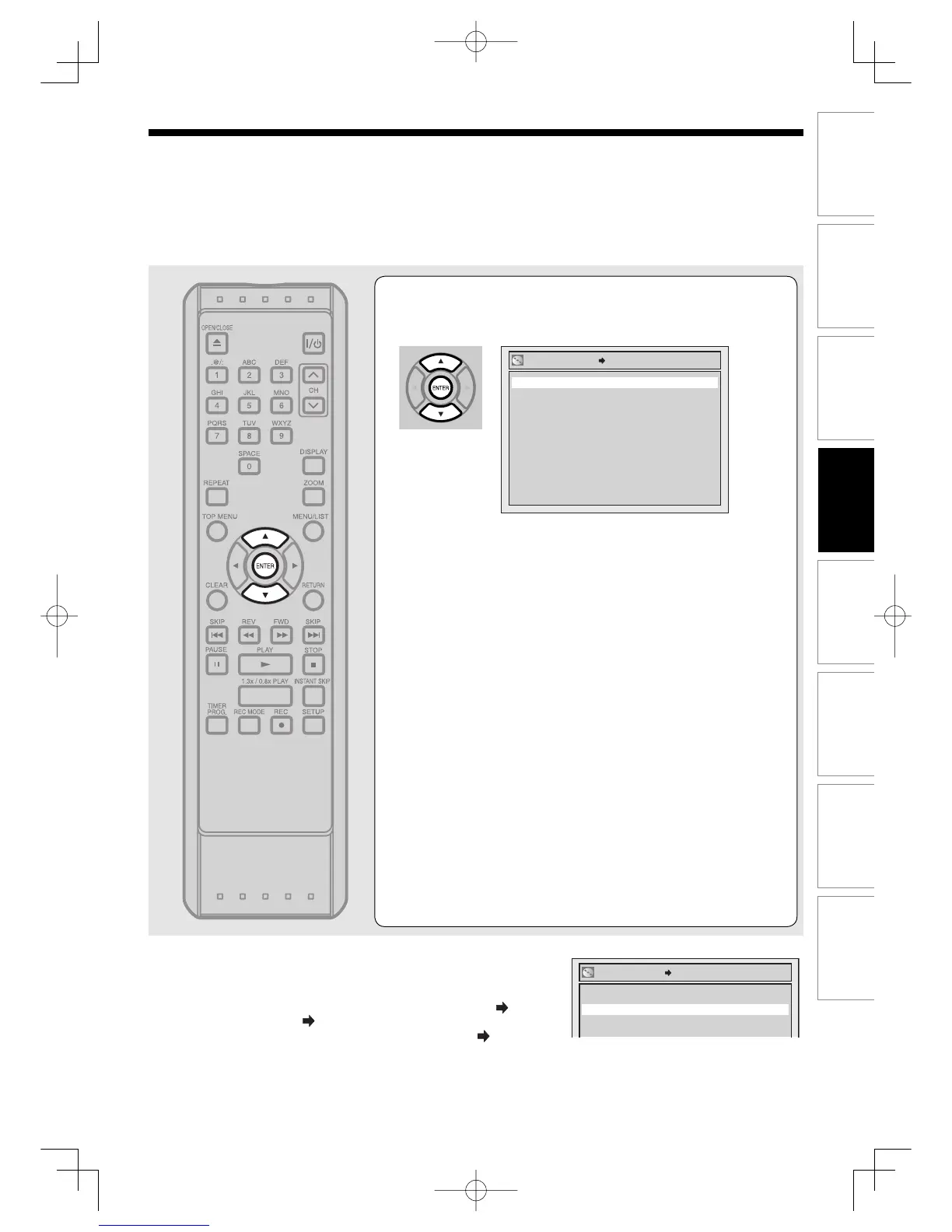
Using [K / L], select “Yes”. Press [ENTER].
A disc will be protected.
Notes
• The Disc Protect setting is available only when a disc with VR mode is
inserted.
To cancel the disc protect:
• When you insert a disc protected with this unit, “Disc Protect ON
OFF”
will appear instead of “OFF ON”.
• To release the protection of the disc, select “Disc Protect ON
OFF” at
step 3, then select “Yes”.
No
Yes
Disc Protect ON OFF
No
Yes
Disc Protect OFF ON
RecordingUD.indd73RecordingUD.indd73 2006/01/1116:28:412006/01/1116:28:41



 To Next Page