77
Recording
Playback EditingIntroduction Connections
Basic Setup
Function Setup Others
EN
4
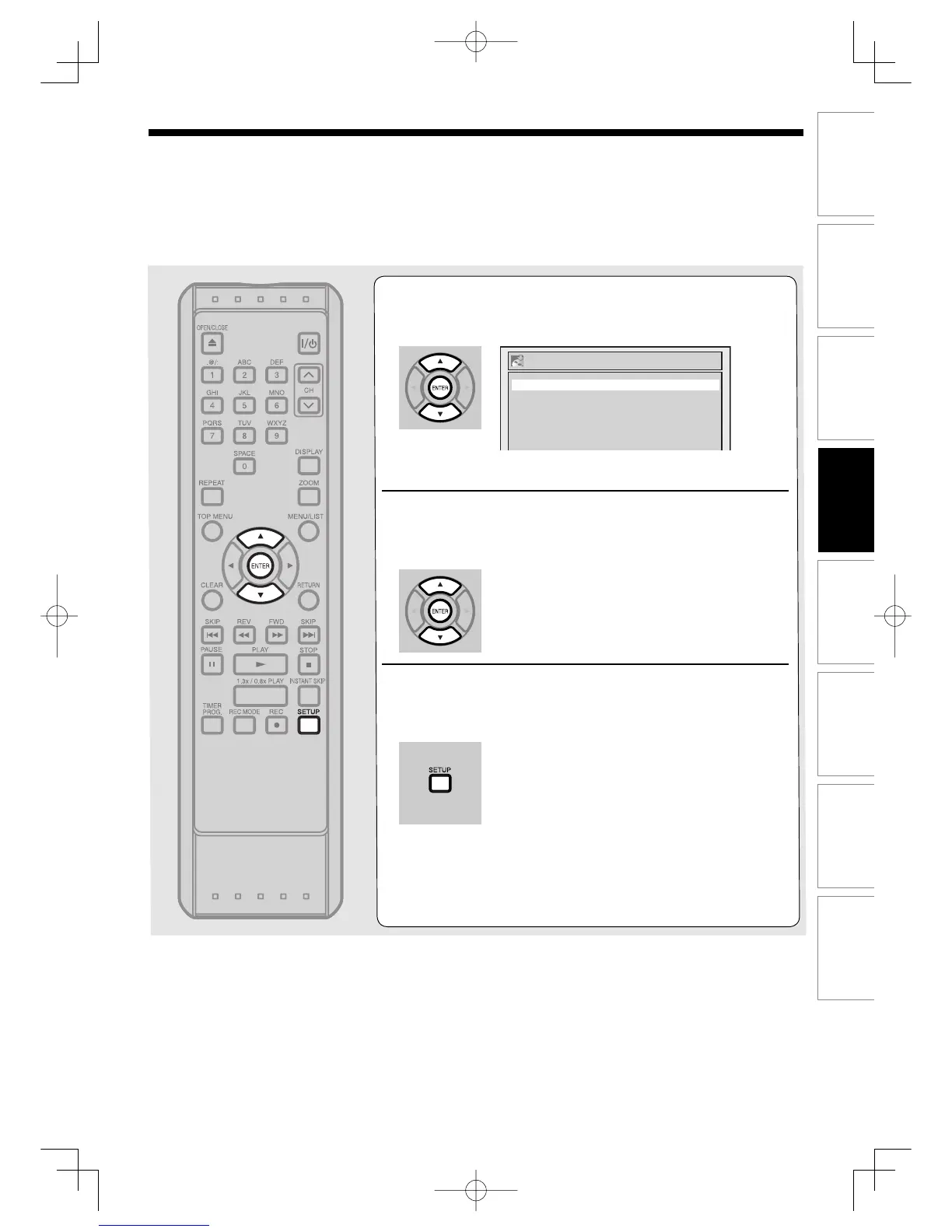
Using [K / L], select “Disc Full” or “End of
Timer Rec”. Press [ENTER].
Option window will appear.
5
Using [K / L], select “ON”. Press [ENTER].
Your setting will be activated.
6
Press [SETUP] to exit.
Auto Finalize
End of Timer Rec
Disc Full OFF
OFF
Note
• Auto Finalize is not applicable to VR format discs.
RecordingUD.indd77RecordingUD.indd77 2006/01/1116:28:422006/01/1116:28:42



 To Next Page