1. Scope
1.1. Overview
Thank you for purchasing TOSVERT VF-S15 / VF-AS3. These drives can connect with open field network
CANopen and the communication supports up to 64 nodes in one segment.
By using CANopen function, the monitor of run/stop and the setting change of the parameter become possible
from the network, and it can cope with various applications.
This manual is also aimed at the operator using "VF-S15 / VF-AS3”, so please use it for future maintenance
and inspection.
1.2. Applicable model
If VF-AS3 is used, it needs CPU1 version is 112 or more.
1.3. EDS file
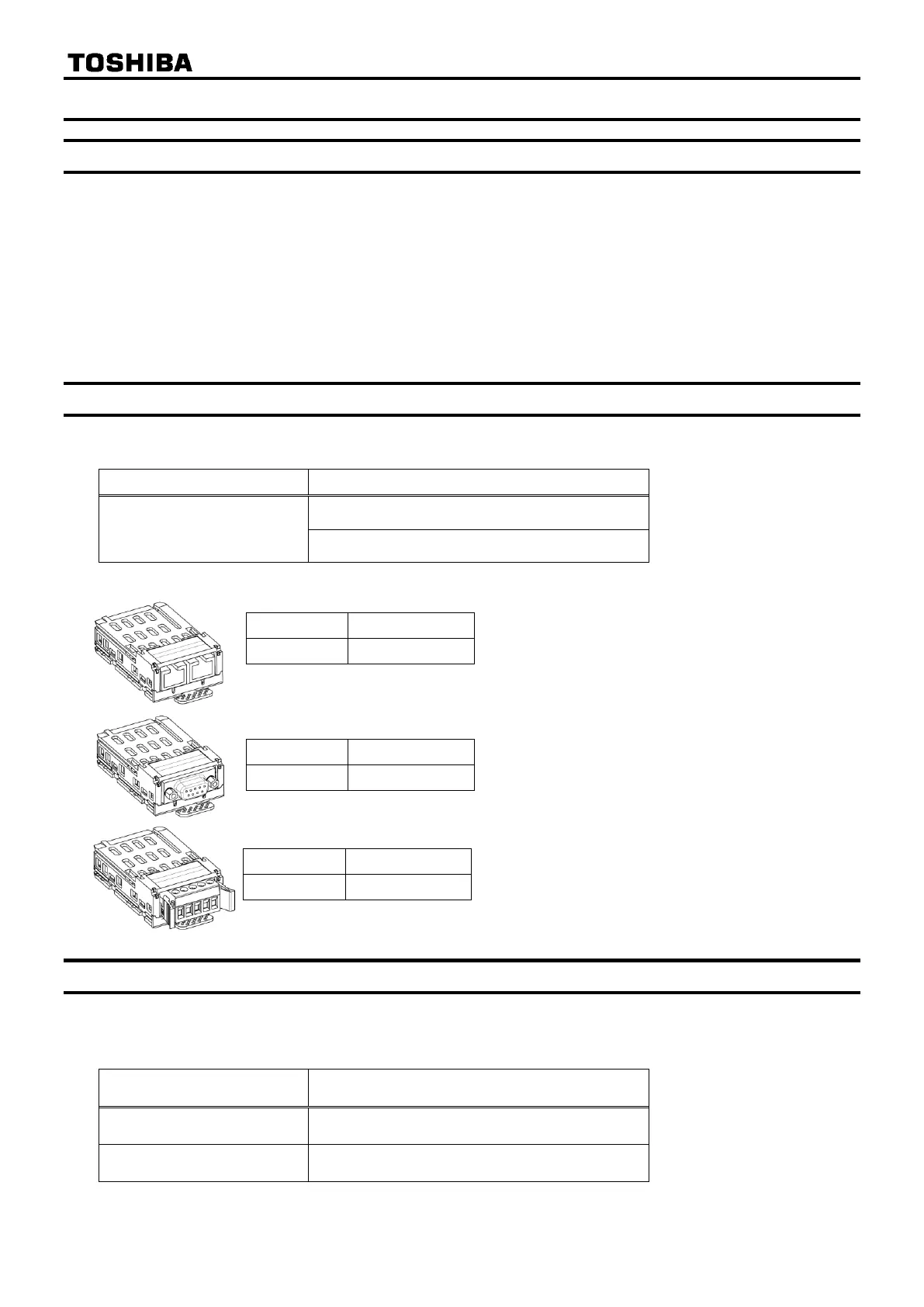
When CAN001Z/CAN002Z/CAN003Z is used, please use following EDS (Electronic data sheet) file for
VF-S15/VF-AS3. Please contact your Toshiba distributor.
.



 To Next Page
 Loading...











