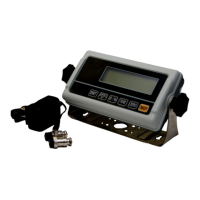
TWP Weighing Indicator Service Manual
Cannot use full scale capacity:
Before weighing make sure zero indication is showing and scale is empty.
Check the weighing mode.
Check the load cell if it is fitting properly and avoid to touch housing or
hitting scale.
Calibrate again with exact calibration mass weights.
Load cell damaged. Check load cell connections and connectors.
Main Board problem.
Battery not charging:
Mains voltage problem. Check the power supply voltage and adaptor
voltage.
Charging circuit failure.
Battery failure. Check the battery connections


 To Next Page