Toyopuc PC3/PC2 Ethernet Driver
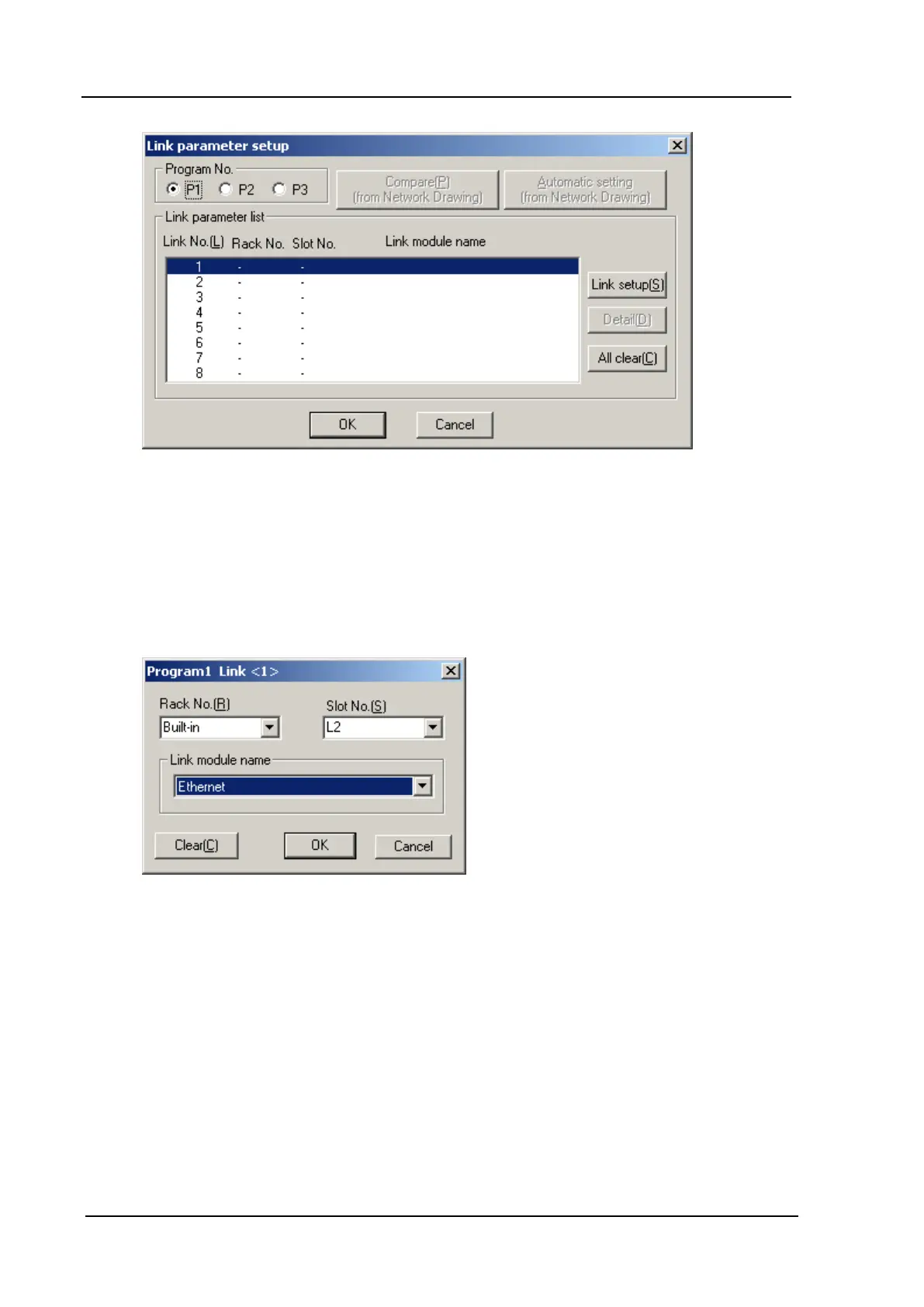
6. Click Link setup(S) and make the following selections:
l Rack No.(R) - Built-in
l Slot No. (S) - L2 Link
l Module Name - Ethernet
7. Click OK.
8. Click Detail(D). In this dialog, the following parameters may be specified:
l In Own Node IP Address, set the desired IP address of the Ethernet Port.
l In Own Node Port No., set the desired Port Number. In this example, 4096 is used.
www. kepware.com
38



 To Next Page