Toyopuc PC3/PC2 Ethernet Driver
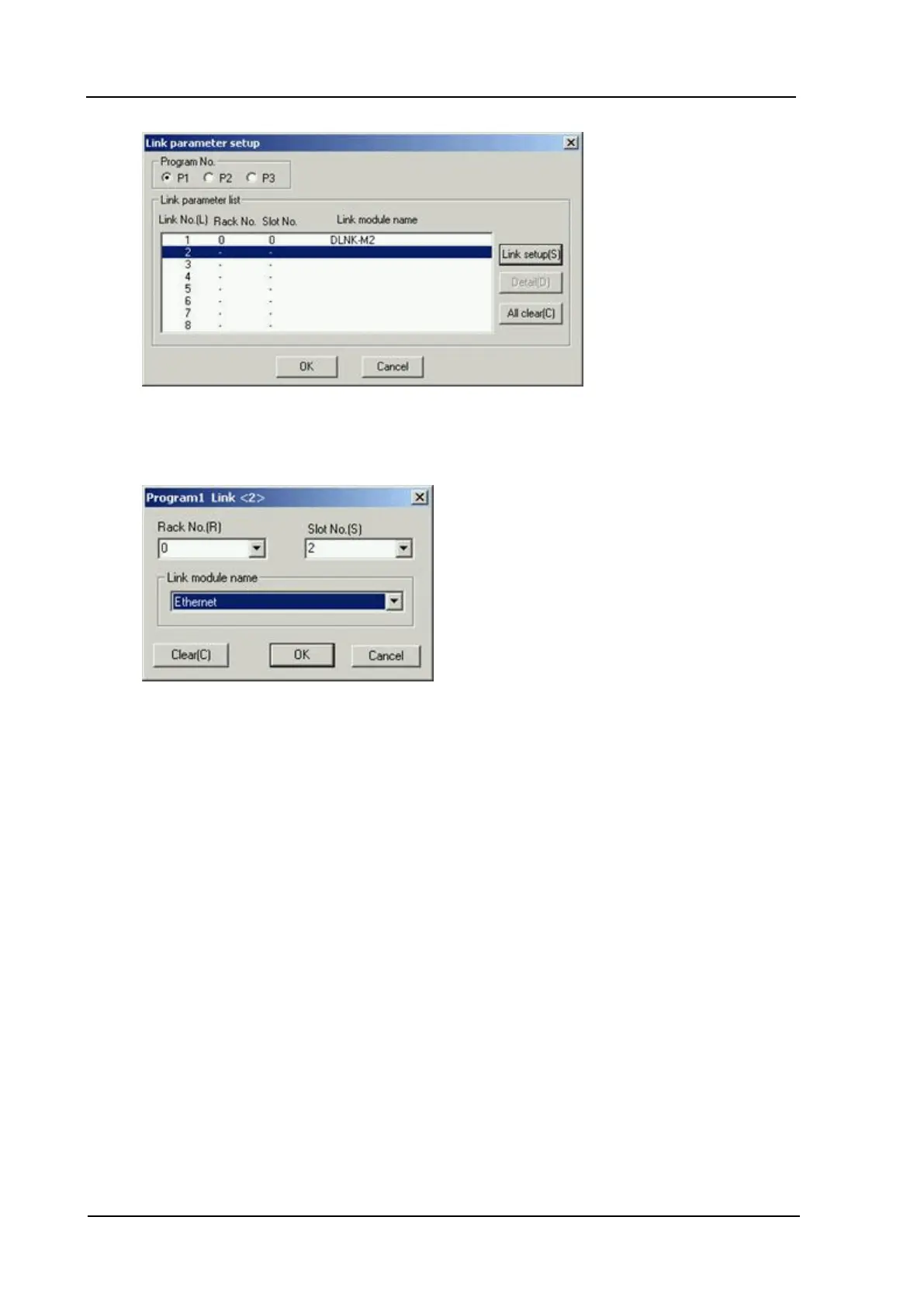
7. In the Program No. field, select the program that the configuration will be placed in. Click Link
Setup.
8. In the ProgramName Link dialog, select the Rack No. and Slot No. where the module is located.
9. In the Link module name field, select Ethernet from the drop-down list. Click OK.
10. In the Link Parameter Setup dialog, select the new link. Next, click the Detail button.
11. Enter the card's IP address in the Own Node IP Address field.
www. kepware.com
43



 To Next Page