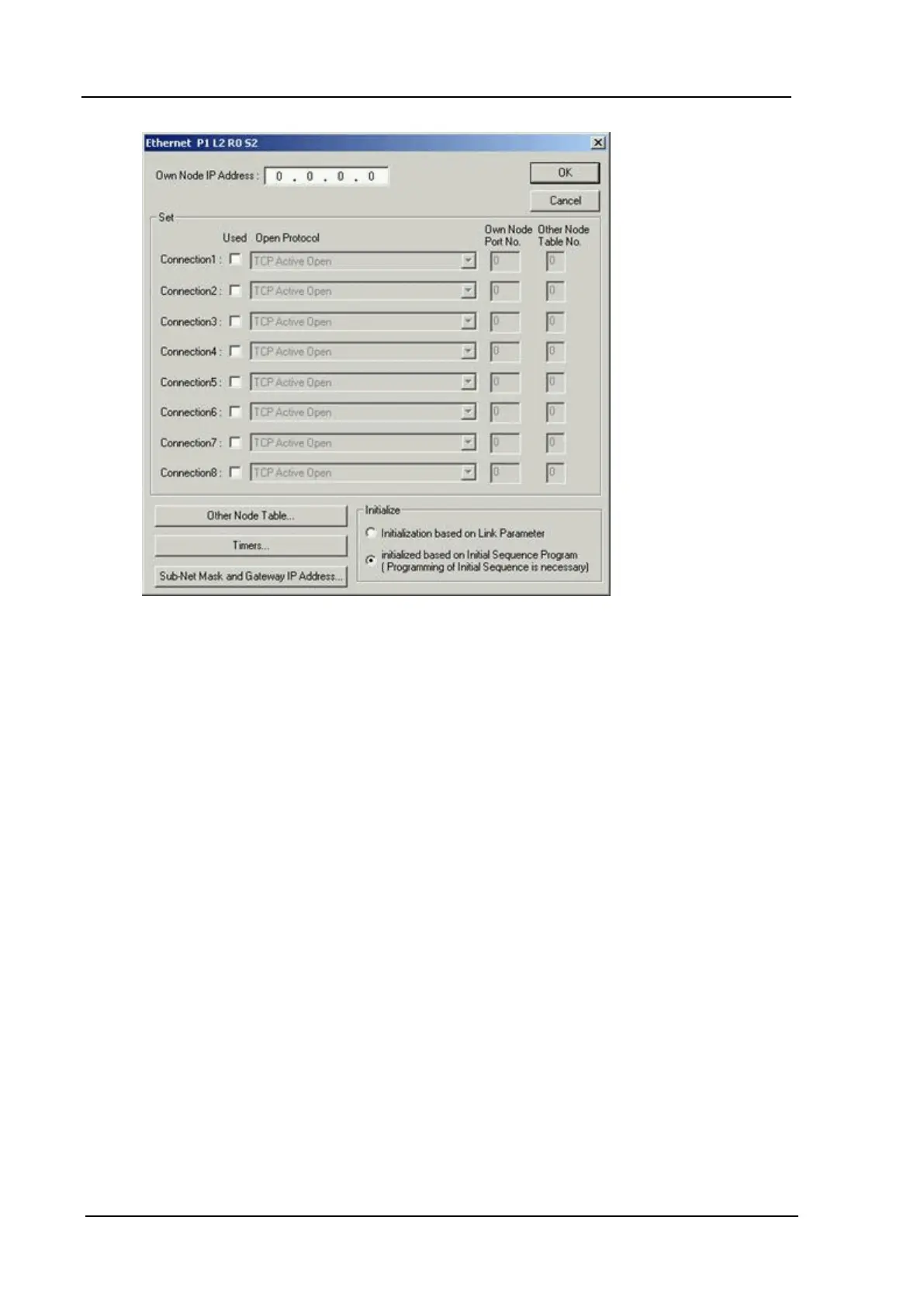
Toyopuc PC3/PC2 Ethernet Driver
12. Check the Used checkbox for Connection1. Up to 8 connections can be configured.
13. In the Open Protocol field, select TCP Destination Non-Specified Passive Open from the drop-
down list.
14. Enter the appropriate value in the Own Node Port No. field. In the example shown below, the
number 4096 has been entered.
www. kepware.com
44



 To Next Page