18
Chapter 4
Note:
1. You may customize your 2.4GHz/5GHz/60GHz SSID and password. Once done, the wireless connection will
disconnect automatically, and you must then use the new SSID/password to regain access to the Internet.
2. Tick Hide SSID if you want to hide this wireless network name.
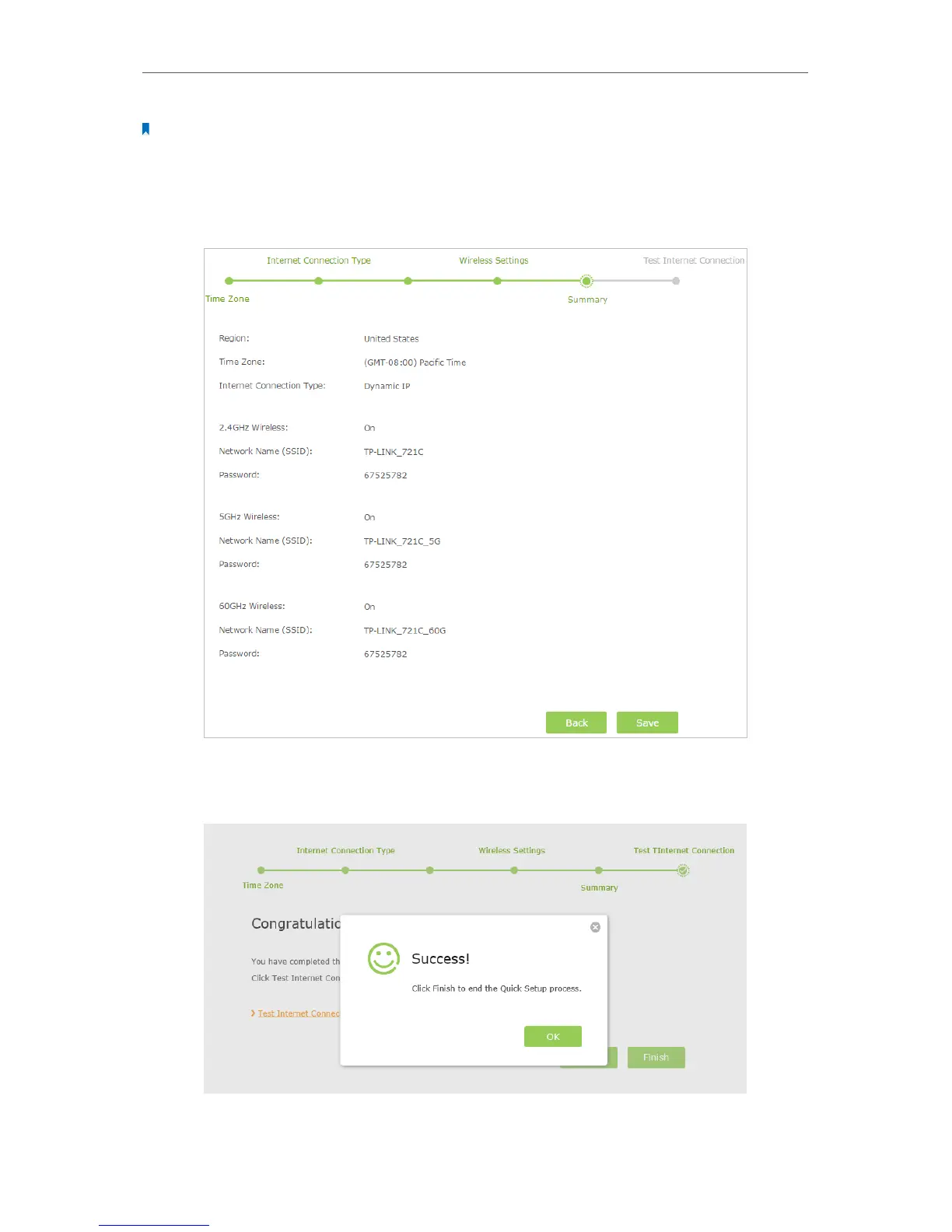
8. Confirm the information and click Save.
9. Click Test Internet Connection. If you successfully connect to the Internet, the screen
will display as follows.
10. Now your computer and Wi-Fi devices can connect to the Internet!



 To Next Page