95
Chapter 13
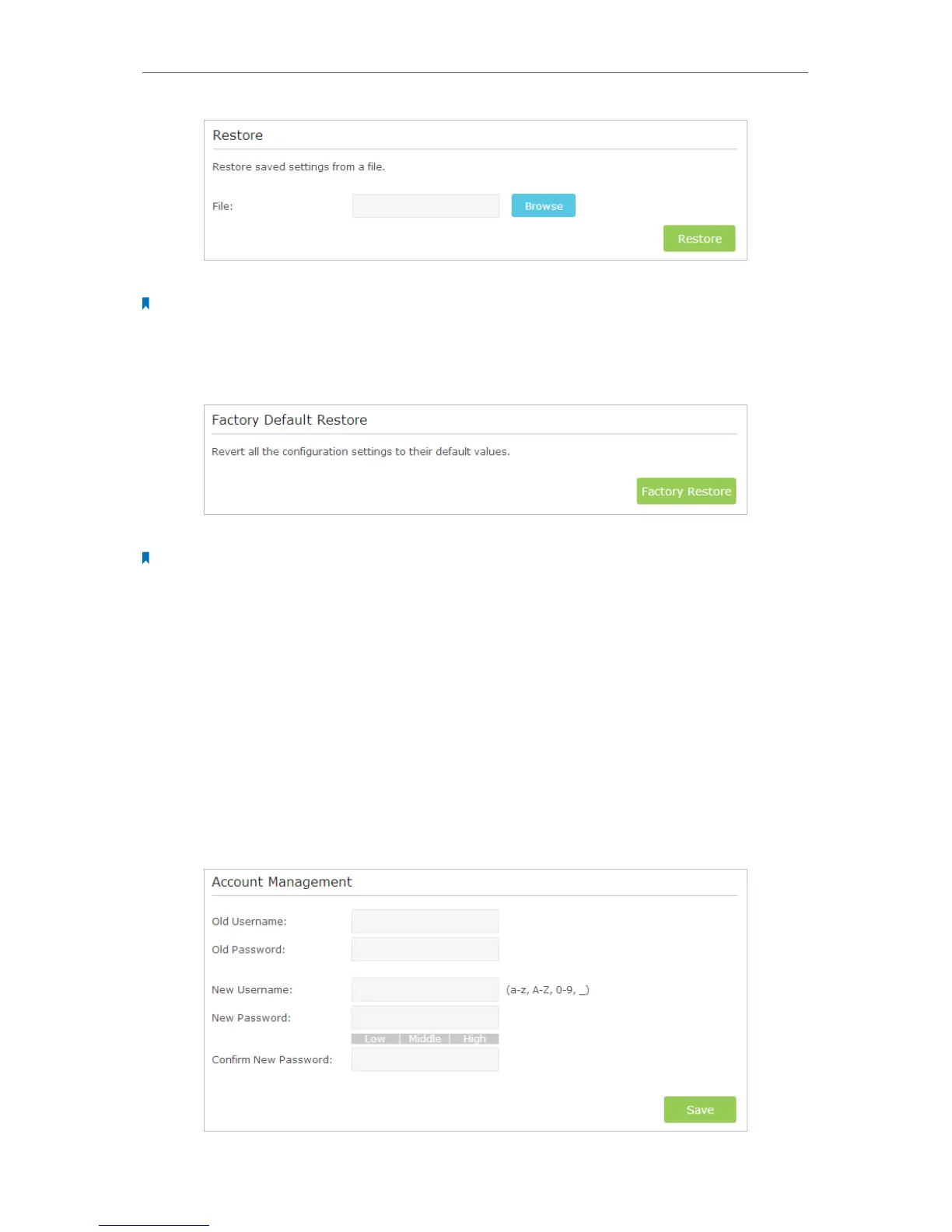
2. Wait a few moments for the restoring and rebooting.
Note: During the restoring process, do not turn off or reset the router.
¾ To reset the router to factory default settings:
1. Click Factory Restore to reset the router.
2. Wait a few moments for the resetting and rebooting.
Note:
1. During the resetting process, do not turn off or reset the router.
2. We strongly recommend you backup the current configuration settings before resetting the router.
13. 5. Change the Administrator Account
The account management feature allows you to change your login username and
password of the management web-page.
1. Visit http://tplinkwifi.net, and log in with the username and password you set for the
router.
2. Go to Advanced > System Tools > Administration and focus on the Account
Management section.



 To Next Page