57
Chapter 8
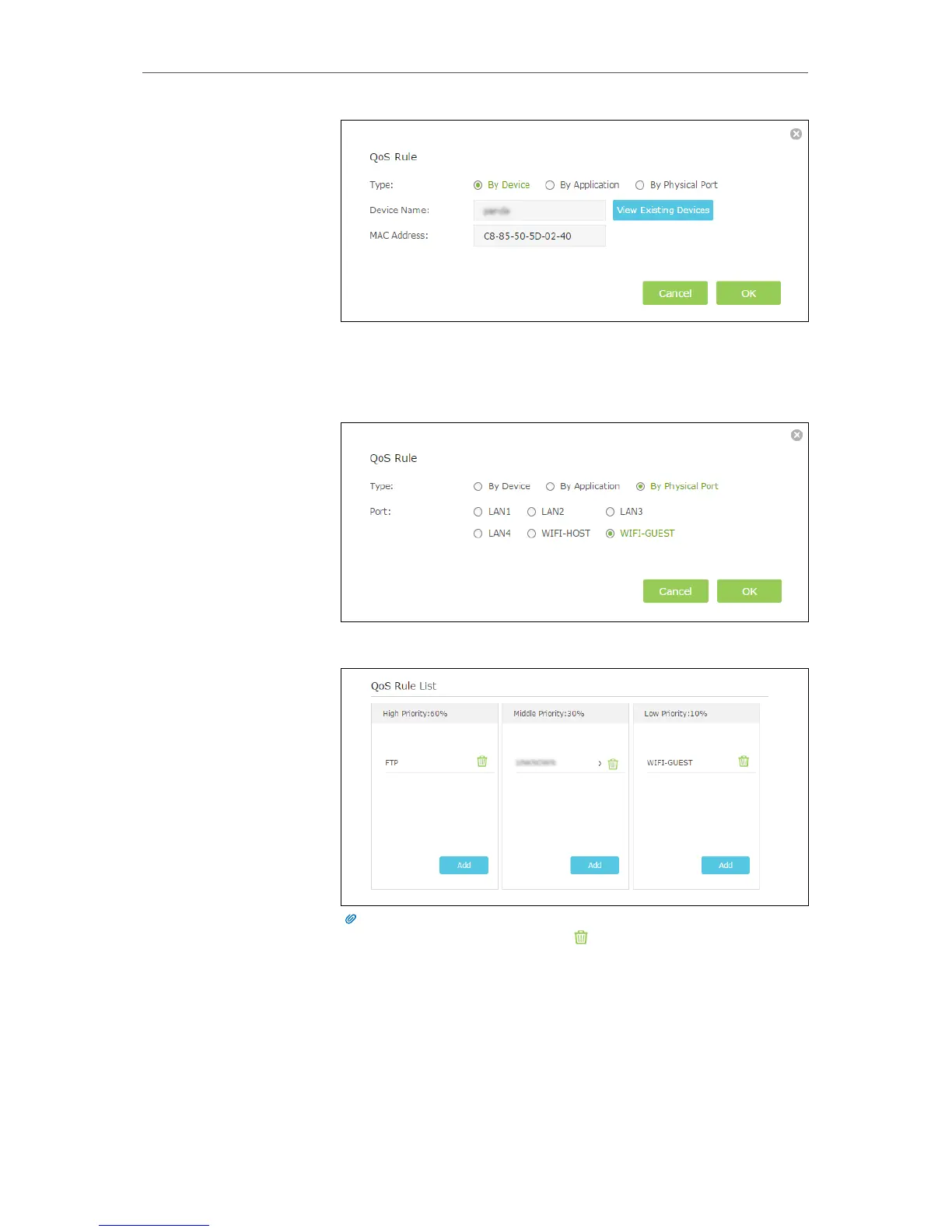
3 ) Set a Low Priority rule for the WIFI-GUEST.
a . Select By Physical Port and then select WIFI-HOST. Click
OK.
4 ) The QoS rules list will display in the table.
Tips:
If you want to delete a QoS rule, click to remove the responding rule from
the list.
Now QoS is implemented to Prioritize Internet Traffic.
8. 2. Update the Database
This function can help to add or update the applications of the router supports. If the
applications you need are not listed in the Application list, you can try to download the
Done!



 To Next Page