58
Chapter 8
new version and upgrade. New database versions are posted at www.tp-link.com and
can be downloaded for free.
1. Download the latest QoS database from our website (www.tp-link.com).
2. Visit http://tplinkwifi.net, and log in with the username and password you set for the
router.
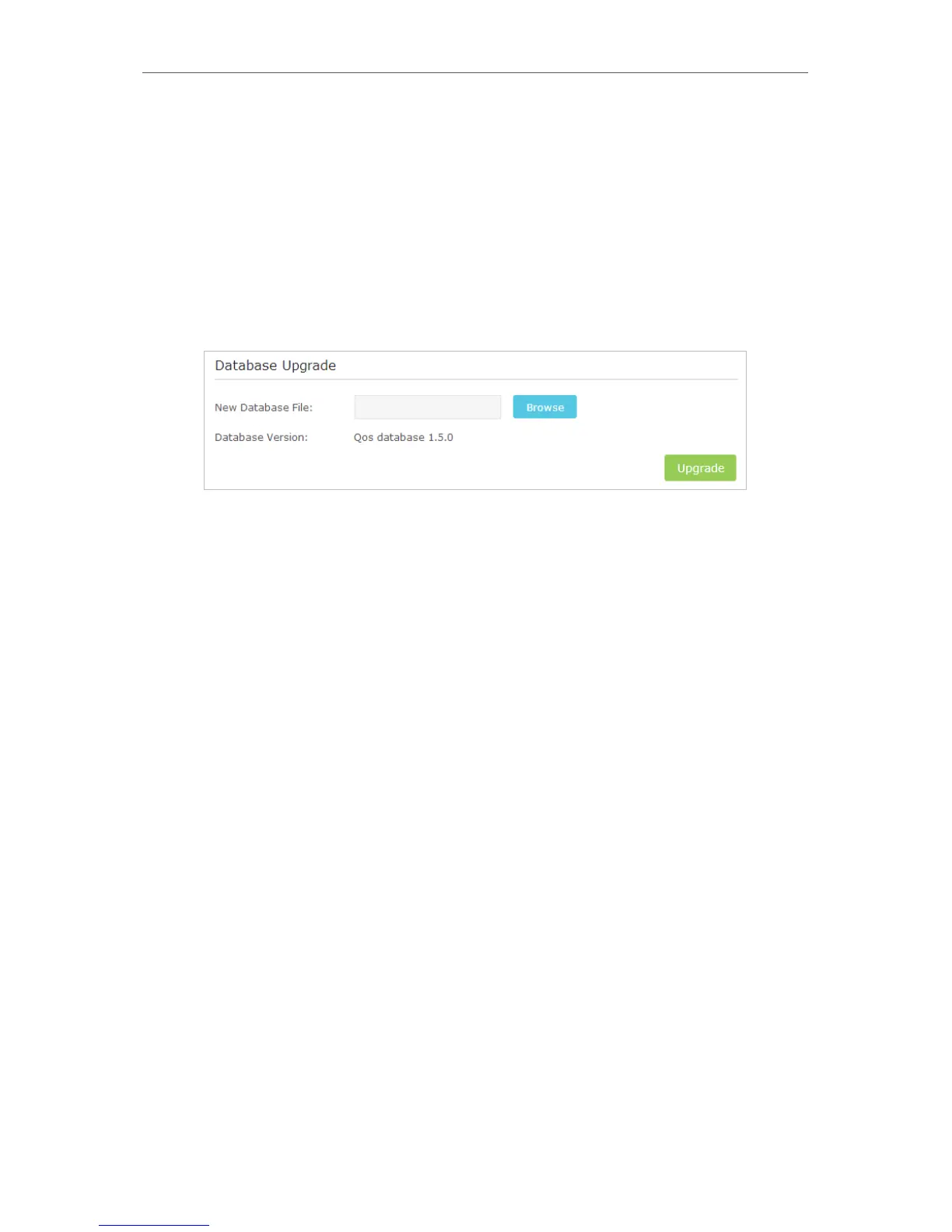
3. Go to Advanced > QoS > Database. Click Browse to select the database upgrade file,
then click Upgrade. Wait until the upgrade is completed and do not operate during
the process.



 To Next Page