5
Chapter 1
• Supports Dynamic DNS, UPnP and Static Routing
• Provides Automatic-connection and Scheduled Connection on certain time to the
Internet
• Supports system log and Traffic Statistics
• Supports IPv6
1. 3. Panel Layout
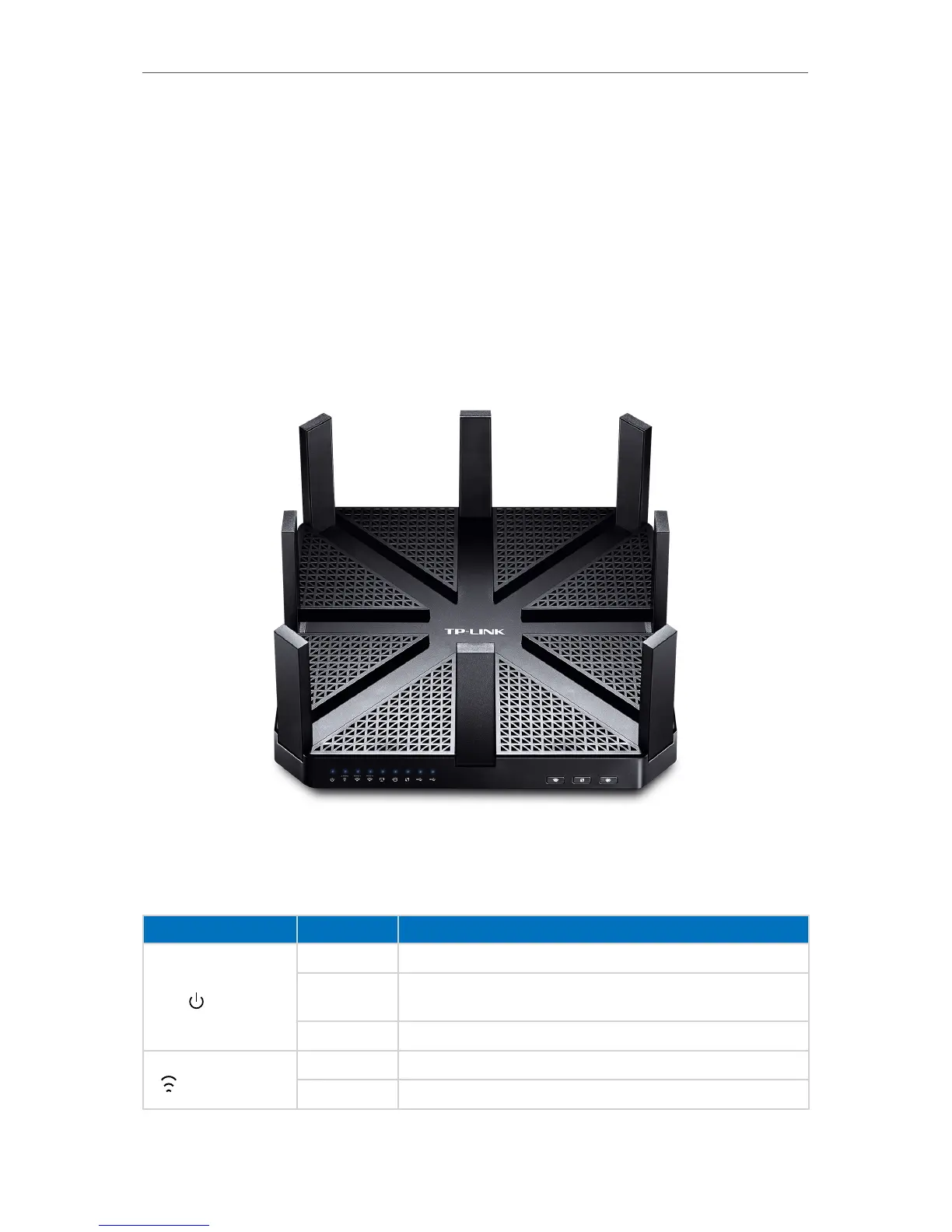
1. 3. 1. Top View
The router’s LEDs (view from left to right) are located on the front. You can check the
router’s working status by following the LED Explanation table.
LED Explanation
Name Status Indication
(Power)
On System initialization completes.
Flashing
System initialization or firmware upgrade is in process. Do not
disconnect or power off the router.
Off Power is off.
(2.4GHz Wireless)
On The 2.4GHz wireless band is working properly.
Off The 2.4 GHz wireless band is disabled.



 To Next Page