21
Chapter 4
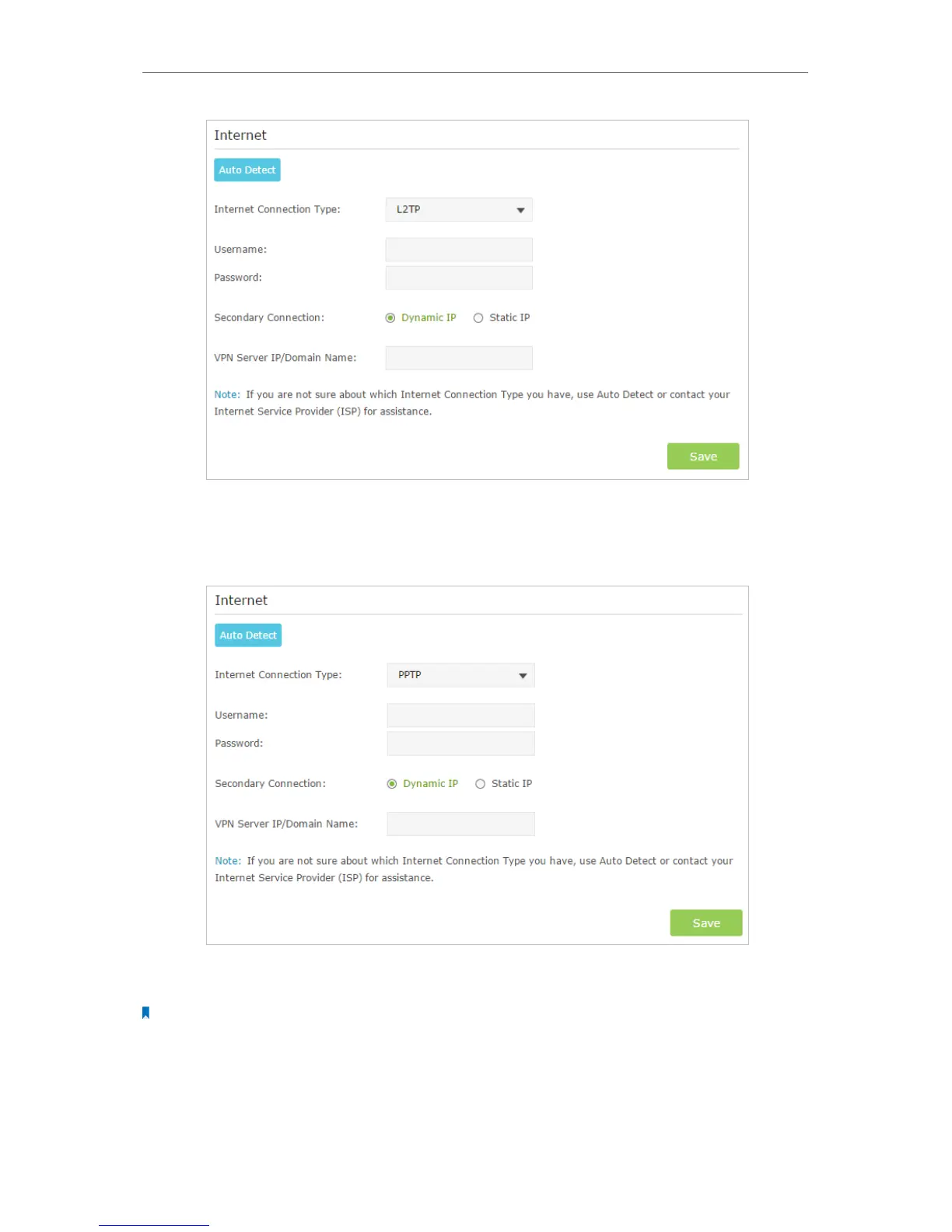
5 ) If you choose PPTP, enter the username, password and choose the Secondary
Connection provided by your ISP. Different parameters are needed according
to the Secondary Connection.
5. Click Save to make the settings take effect. To check your Internet connection, click
Network Map on the left of the page.
Note:
It may take 1-2 minutes to make the settings valid.
6. After the connection succeed, the screen will display as follows. Here we take PPPoE
as an example.



 To Next Page