37
Chapter 6
2. Enable Authentication for Data Security
It is strongly recommended that you set and apply a sharing account for data
security.
1 ) Visit http://tplinkwifi.net, then log in with the username and password you’ve
set for the router.
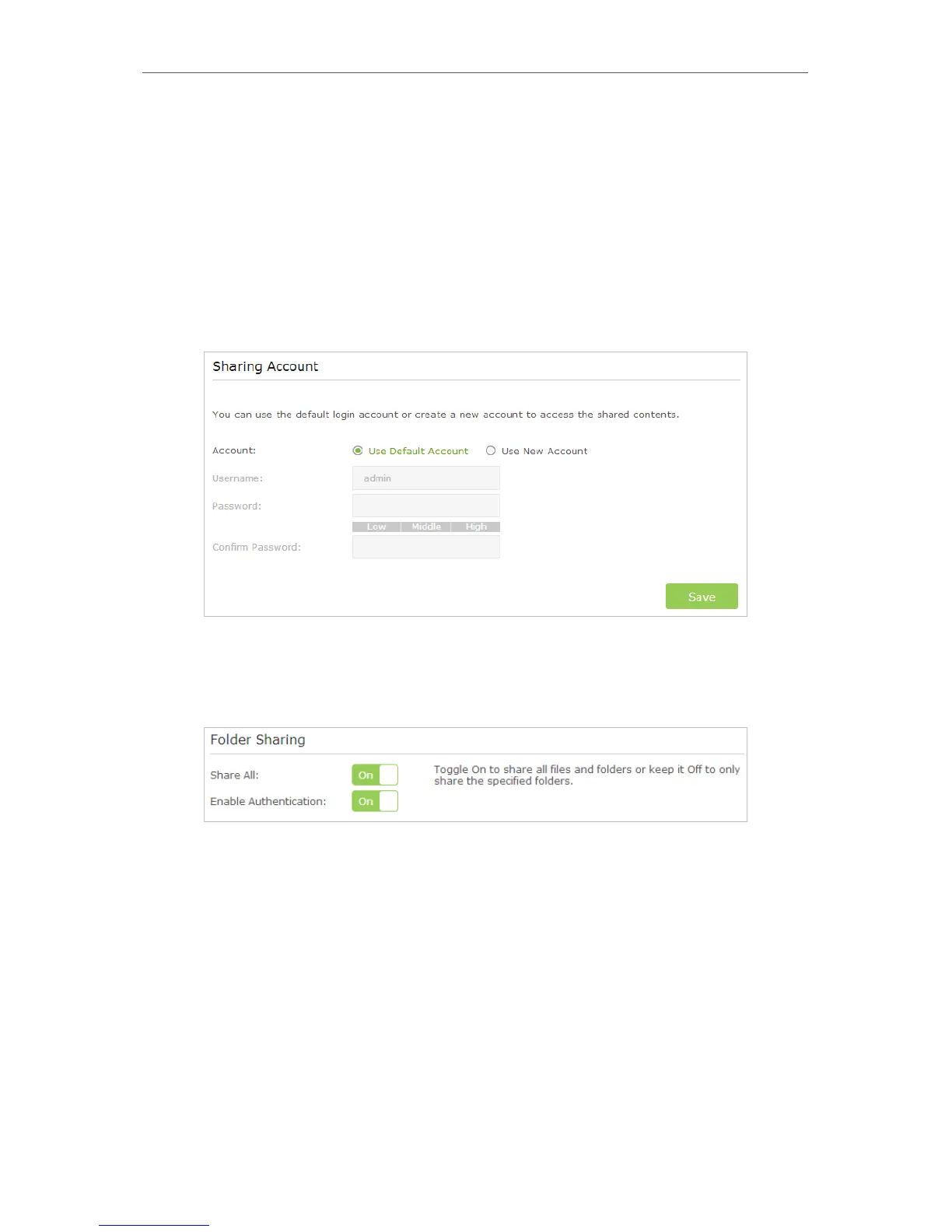
2 ) Go to Advanced > USB Settings > Sharing Access. Focus on the Sharing Account
section.
3 ) Choose to Use default Account (admin) or Use New Account and click Save.
4 ) Enable Authentication to apply the sharing account.
• If you leave Share All enabled, click the button to enable Authentication for all
folders.
• If Share All is disabled, enable Authentication for specific folders.



 To Next Page