1
About This Guide
This guide provides details of each function and shows how to configure the router
appropriate to your needs. In addition to this guide, a Quick Installation Guide is also
released with each TP-Link router, you are suggested to configure your router for quick
internet setup by following the published Quick Installation Guide before you get started
with a further configuration.
Conventions
In this guide the following conventions are used:
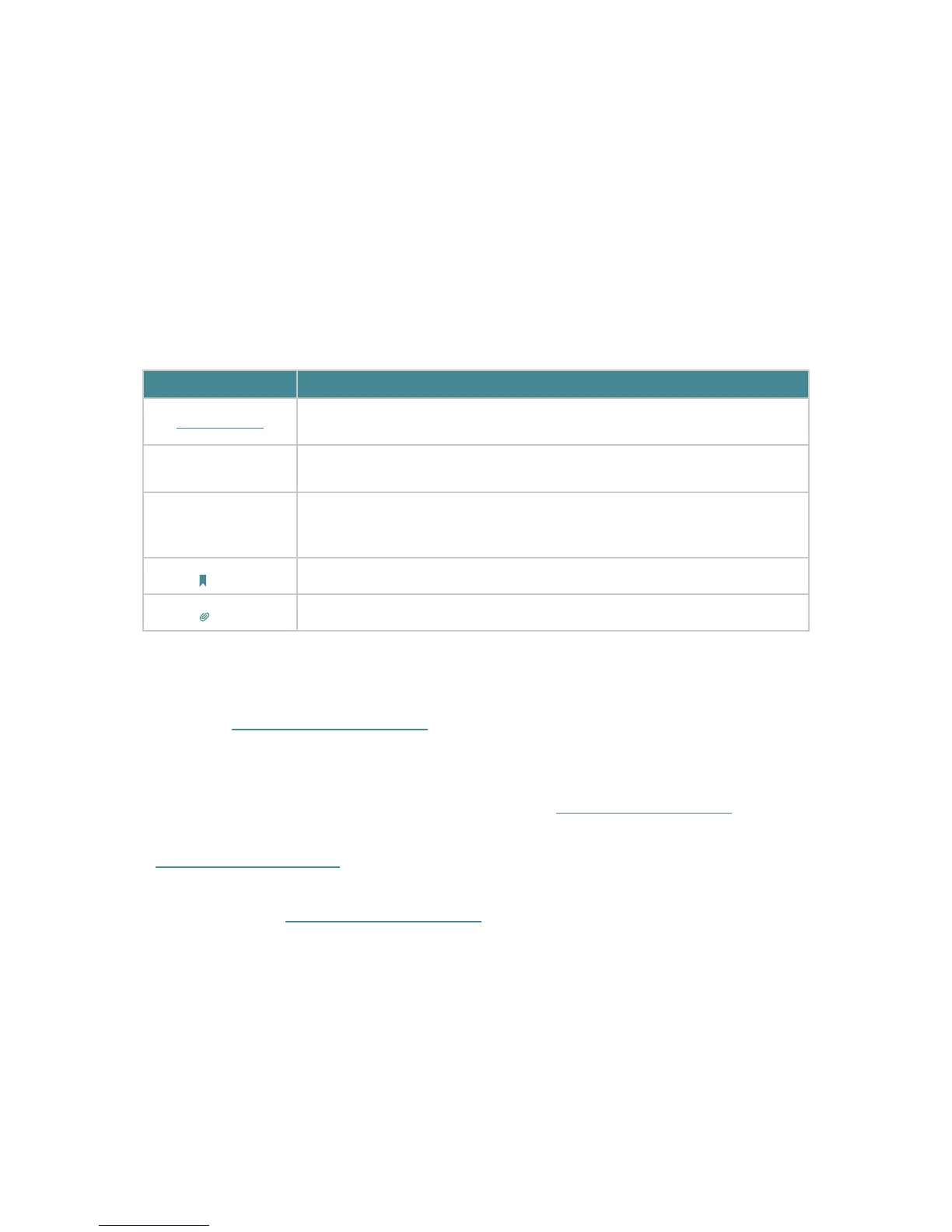
Convention
Description
Teal Underlined
Hperlinks are in teal and underlined. You can click to redirect to a website or a specific
section.
Teal
Contents to be emphasized and texts on the web page are in teal, including the menus,
items, buttons and so on
.
>
The menu structures to show the path to load the corresponding page. For example,
Advanced > Wireless > MAC Filtering means the MAC Filtering function page is under the
Wireless menu that is located in the Advanced tab.
Note:
Ignoring this type of note might result in a malfunction or damage to the device.
Tips:
Indicates important information that helps you make better use of your device.
More Info
• The latest software, management app and utility are available from the Download
Center at www.tp-link.com/support.
• The Quick Installation Guide can be found where you find this guide or inside the
package of the router.
• Specifications can be found on the product page at http://www.tp-link.com.
• A Technical Support Forum is provided for you to discuss our products at
http://forum.tp-link.com.
• Our Technical Support contact information can be found at the Contact Technical
Support page at www.tp-link.com/support.















 To Next Page