55
Chapter 11
Specify Your Network Settings
Tips:
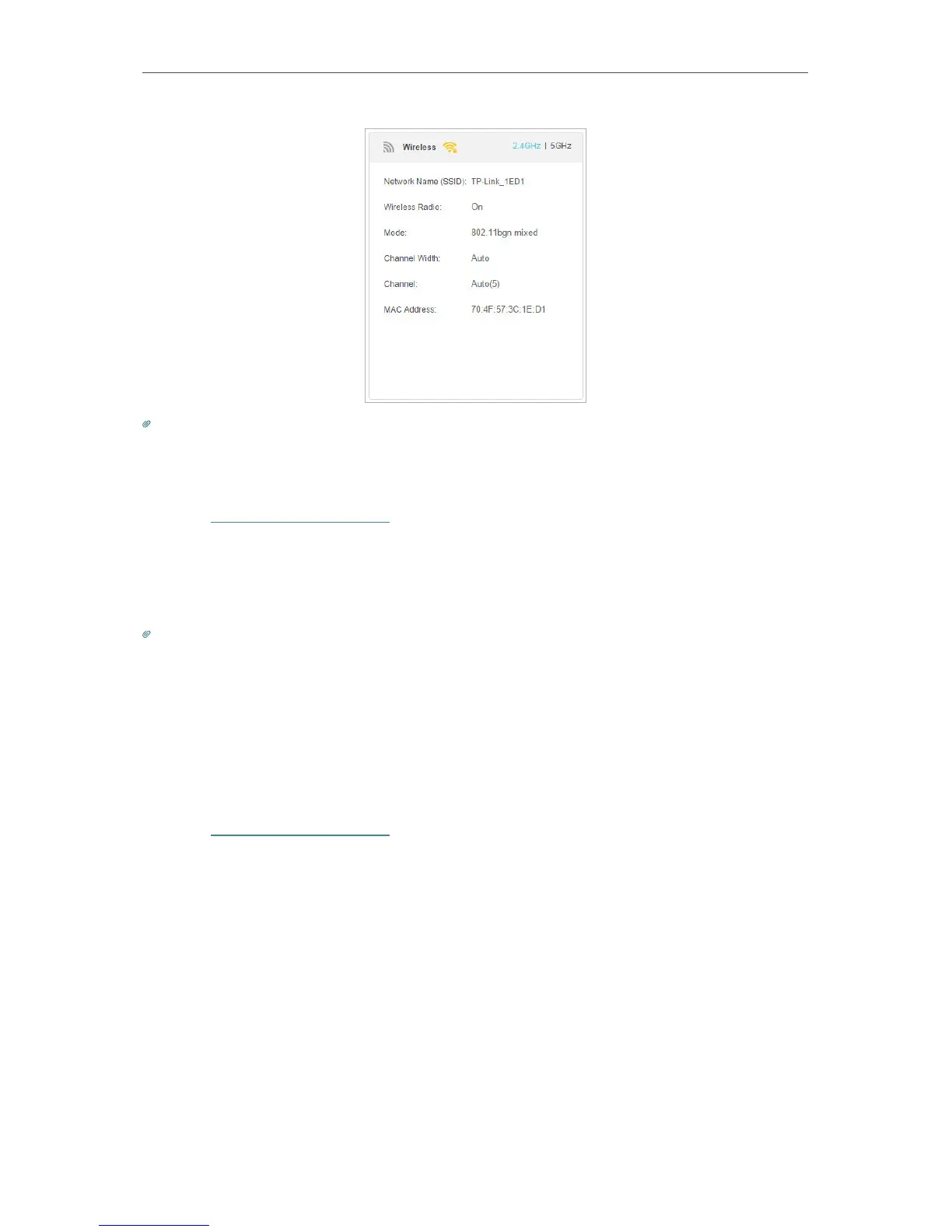
You can also see the wrieless details by clicking the router icon on Basic > Network Map.
¾ To view the detailed information of the connected wireless clients:
1. Visit http://tplinkmodem.net, and log in with the password you set for the router.
2. Go to Advanced > Wireless > Statistics page.
3. You can view the detailed information of the wireless clients, including its connected
wireless band and security option as well as the packets transmitted.
Tips:
You can also see the wrieless details by clicking the wireless clients icon on Basic> Network Map.
11. 5. 5. Advanced Wireless Settings
Advanced wireless settings are for those have a network concept. If you are not familiar
with the settings on this page, it’s strongly recommended that you keep the provided
default values; otherwise it may result in lower wireless network performance.
1. Visit http://tplinkmodem.net, and log in with the password you set for the router.
2. Go to Advanced > Wireless > Advanced Settings page.















 To Next Page