71
Chapter 12
Administrate Your Network
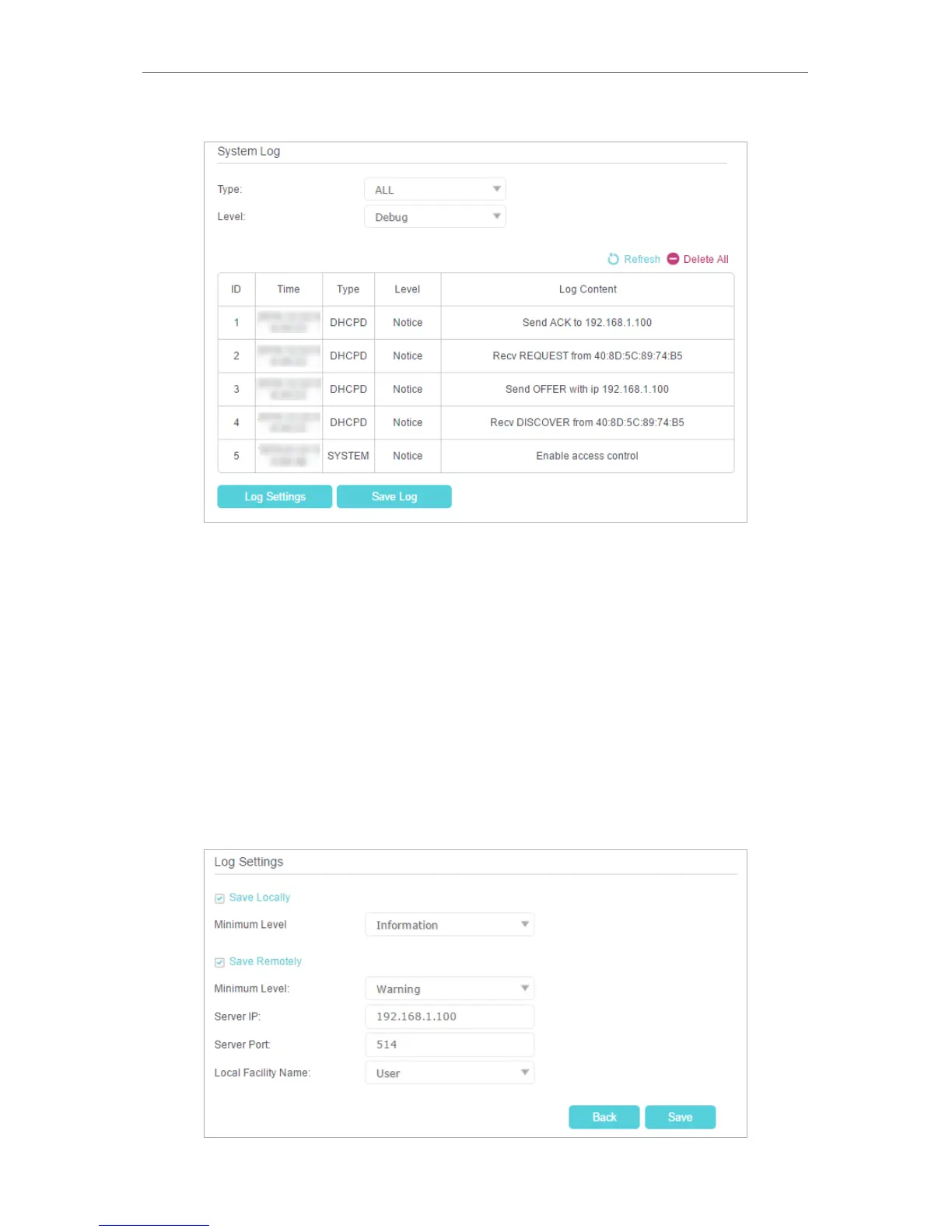
¾ To view the system logs:
1. Select the log Type. Select ALL to view all kinds of logs, or select DHCPD or IGMP
to view the specific logs.
2. Select the log Level and you will see the logs with the specific or higher levels.
3. Click Refresh to refresh the log list.
¾ To save the system logs:
You can choose to save the system logs to your local computer or a remote server.
1. Click Save Log to save the logs in a txt file to your computer.
2. Click Log Settings to set the save path of the logs.















 To Next Page