25
Chapter 5
USB Settings
• Share photos and other large files with your friends without logging in to (and paying
for) a photo-sharing site or email system.
• Get a safe backup for the materials for a presentation.
• Remove the files on your camera’s memory card from time to time during the journey.
Note:
If your ISP assigns a private WAN IP address (such as 192.168.x.x or 10.x.x.x), you cannot use this feature because
private addresses are not routed on the Internet.
Follow the steps below to configure remote access settings.
1. Visit http://tplinkwifi.net, and log in with the password you set for the router.
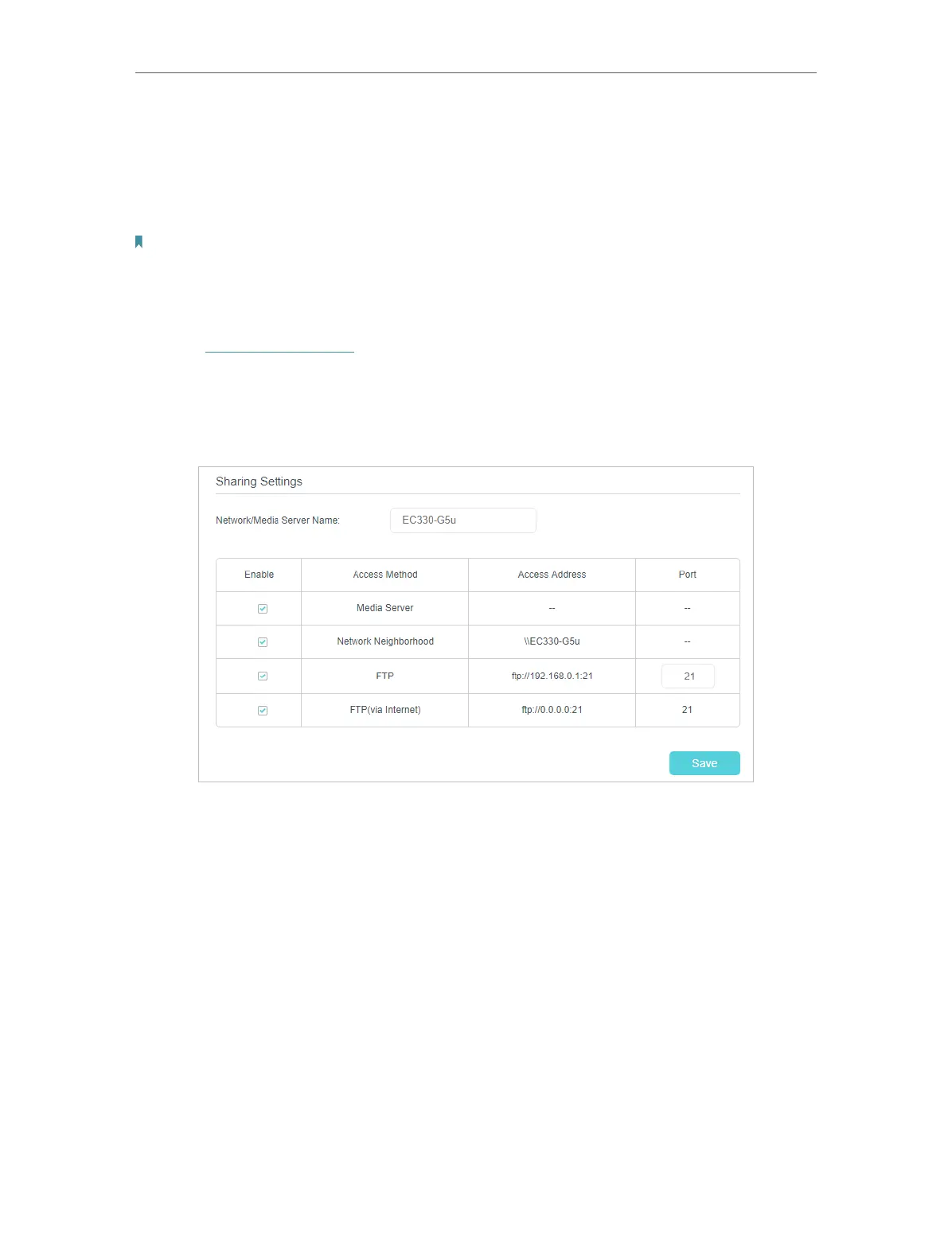
2. Go to Advanced > USB Sharing > USB Storage Device, and locate the Sharing
Settings section.
3. Select the FTP (via Internet) check box, and then click Save.
4. Refer to the following table to access your USB disk remotely.



 To Next Page