32
Chapter 5
USB Settings
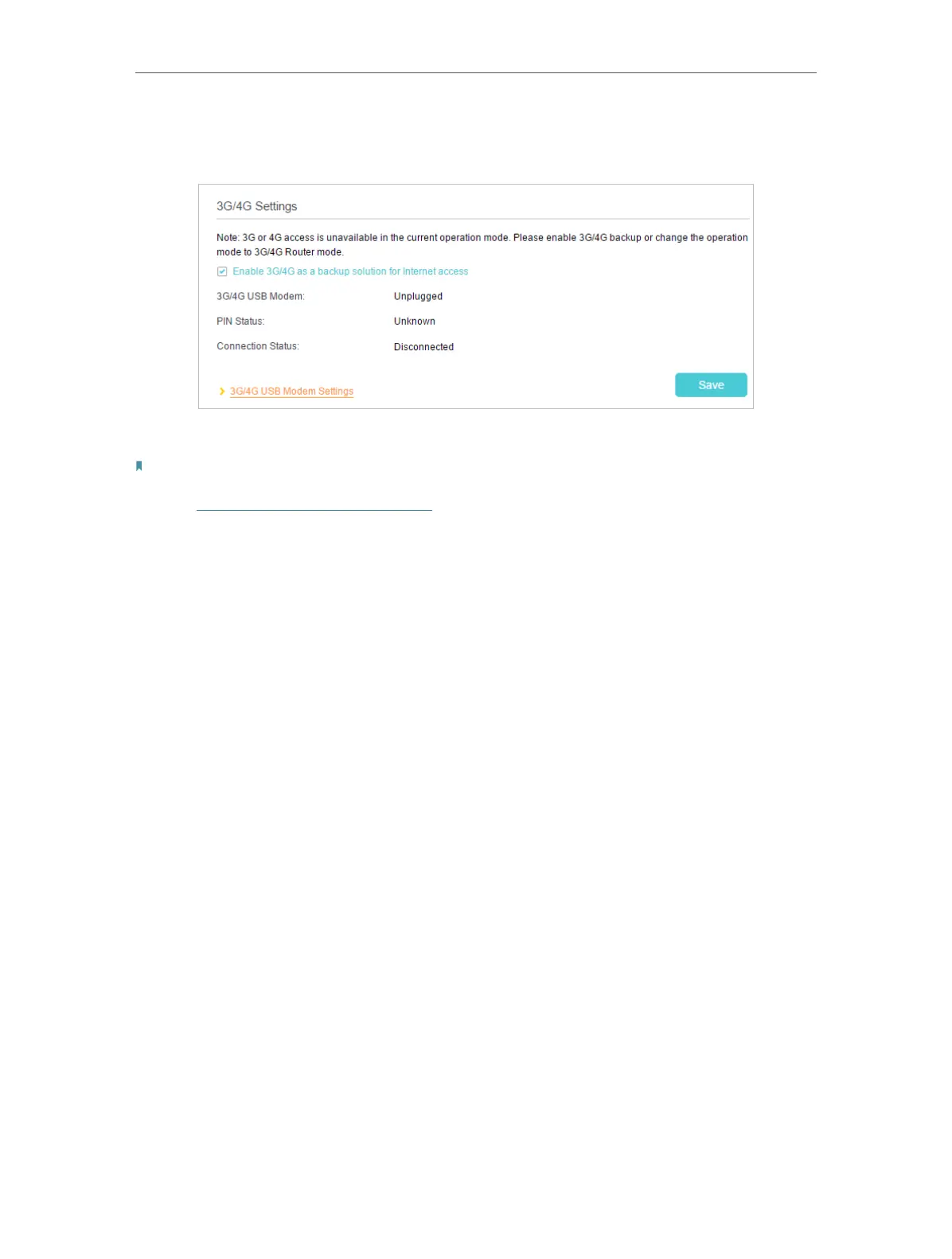
3. Go to Advanced > USB Sharing > 3G/4G Settings, and select the check box of
Enable 3G/4G as a backup solution for Internet access.
4. Verify that your 3G/4G USB Modem is successfully identified.
Note:
The 3G/4G USB modem will not be identified if it is incompatible with the router. Find the 3G/4G Compatibility List on the
web page: http://www.tp-link.com/en/comp-list.html. If your USB modem is incompatible, contact our technical support.
5. Click Save to make the settings effective.



 To Next Page