10
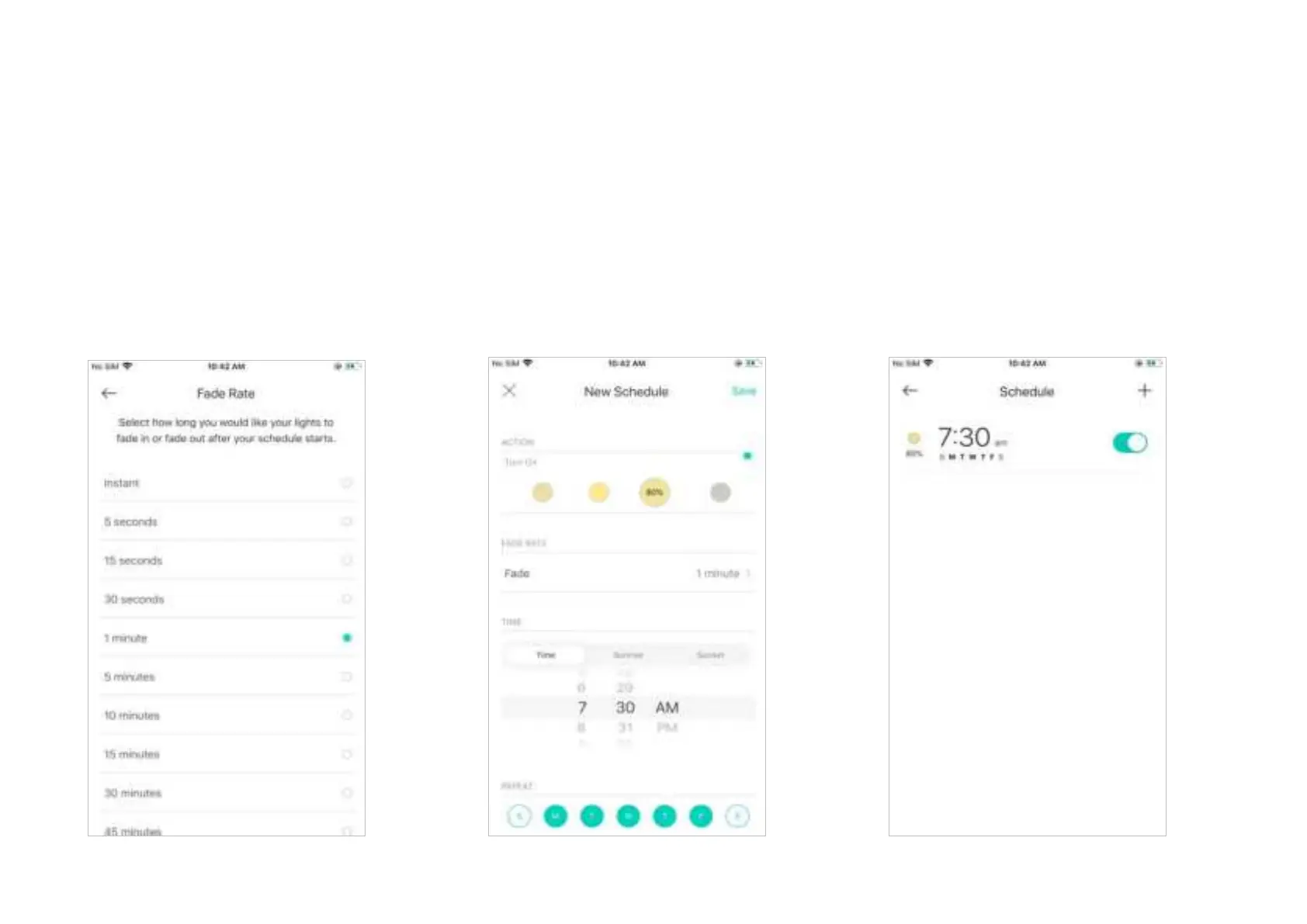
4. Set the fade rate, i.e. how long you want
your light to fade in or fade out after your
schedule starts.
e.g. I want the light to slowly turn on in 1 minute.
5. Set the time and frequency for your
schedule.
e.g. I want to use the preset at 7:30 AM every
weekday.
6. You can see the schedule you set at the
Schedule page. You can also turn it o any
time.












 To Next Page