7
Set Presets
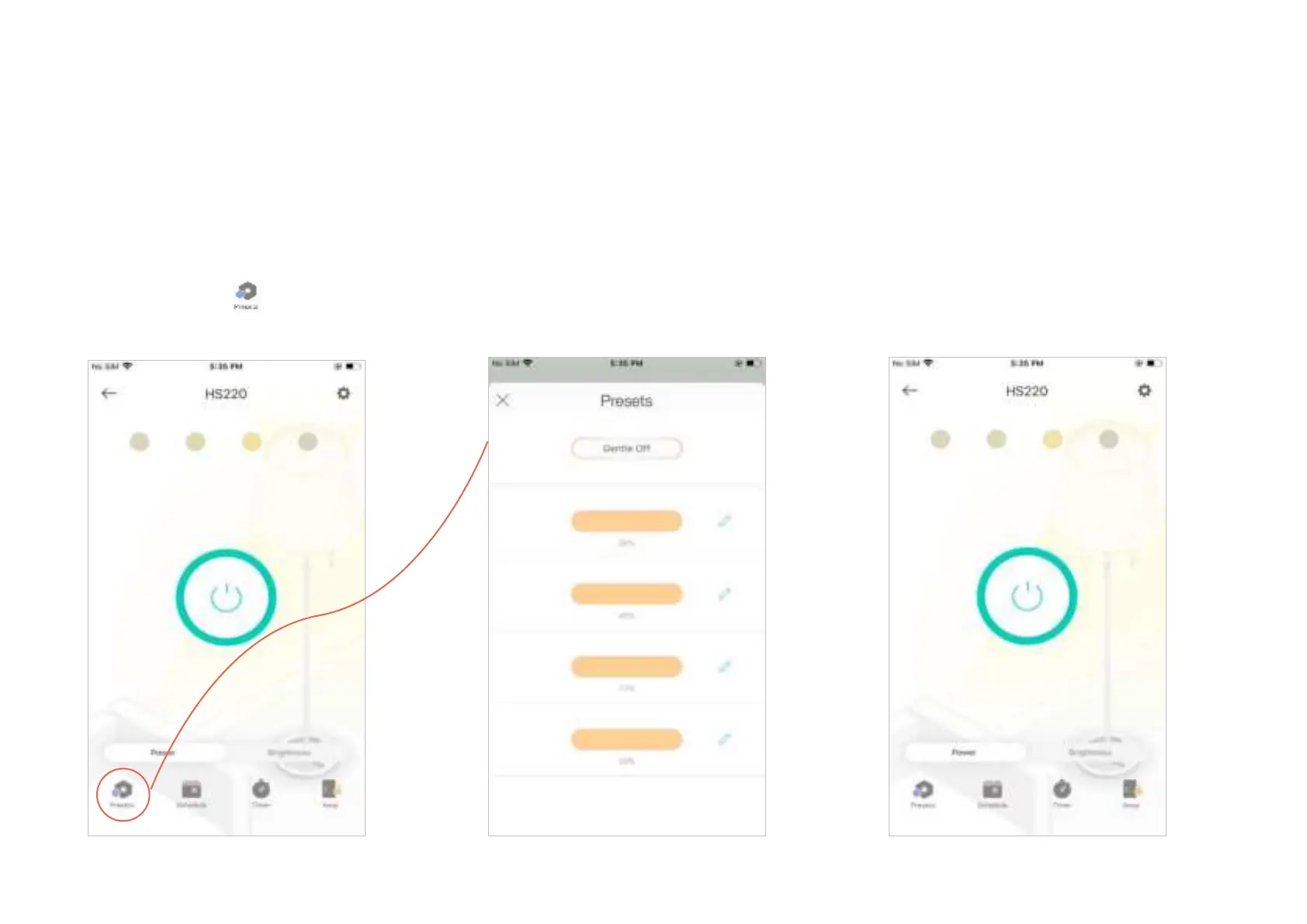
Presets:
Set desired light eects in advance as presets so you can quickly change to the corresponding
eect.
1. Tap your Smart Light Switch in the Home
page, and then tap
.
2. Set different brightness and gentle off
(which means turning the light o slowly).
3. The presets you set will be displayed on
the top in the Status page.











 To Next Page