27
Create Scenes
A scene is a preset group of smart devices that can be programmed, customized and activated simultaneously at the touch of a button from your
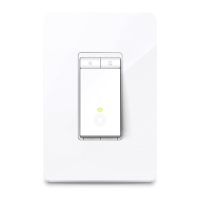
smartphone or tablet, allowing you to easily set your mood, activity or t any special occasion. To create a scene with your Smart Light Switch, you
need other Kasa smart devices, a smart plug for example.
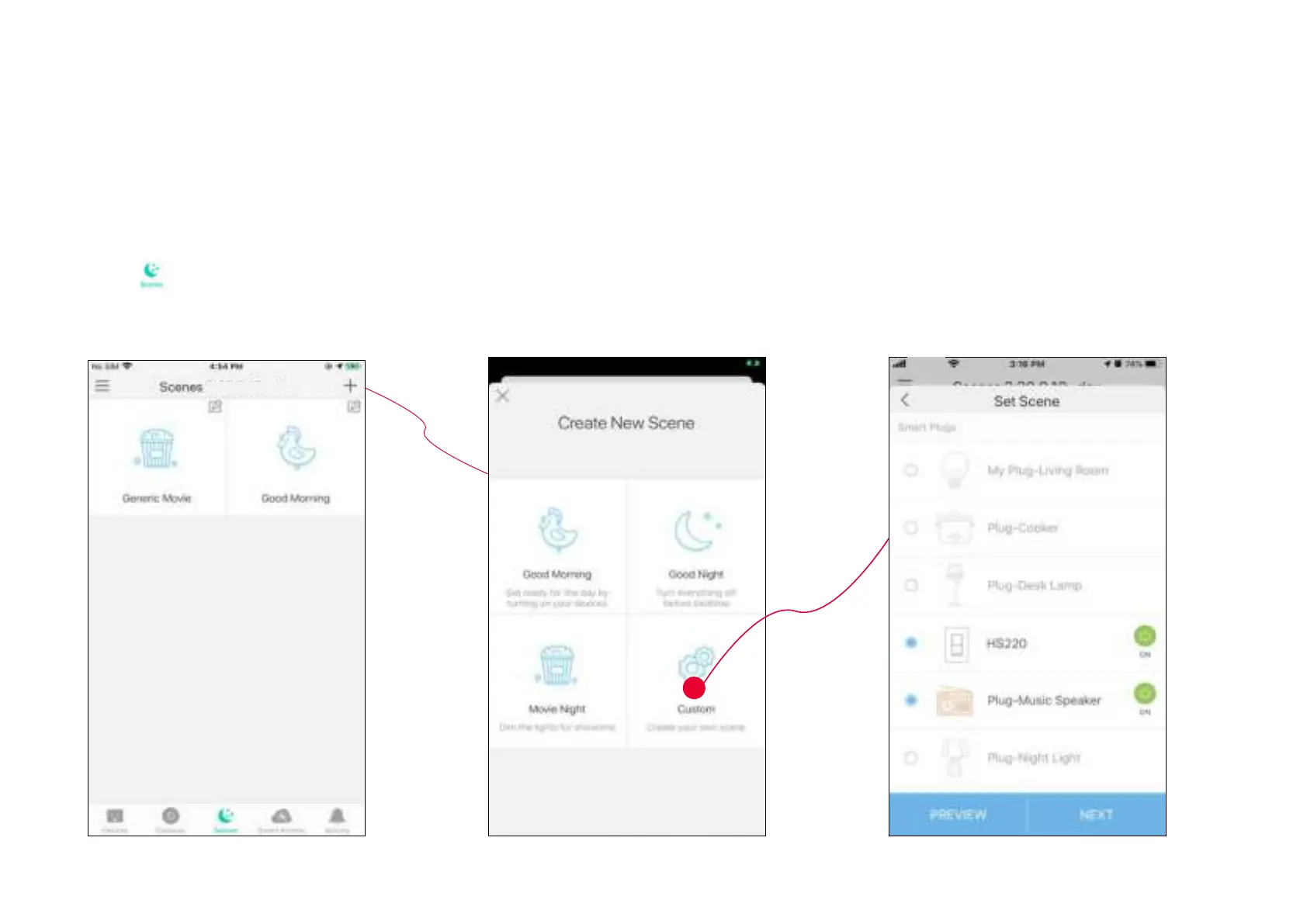
1. Tap
at the bottom, then tap + at the
top right corner.
2. Select a scene or create your own scene.
For example: I want to turn on the light and the
the speaker simultaneously in the morning
with just a tap in the Kasa Smart app .
3. Select devices for the scene to work on
and set their status respectively.











 To Next Page