9
Set Schedules
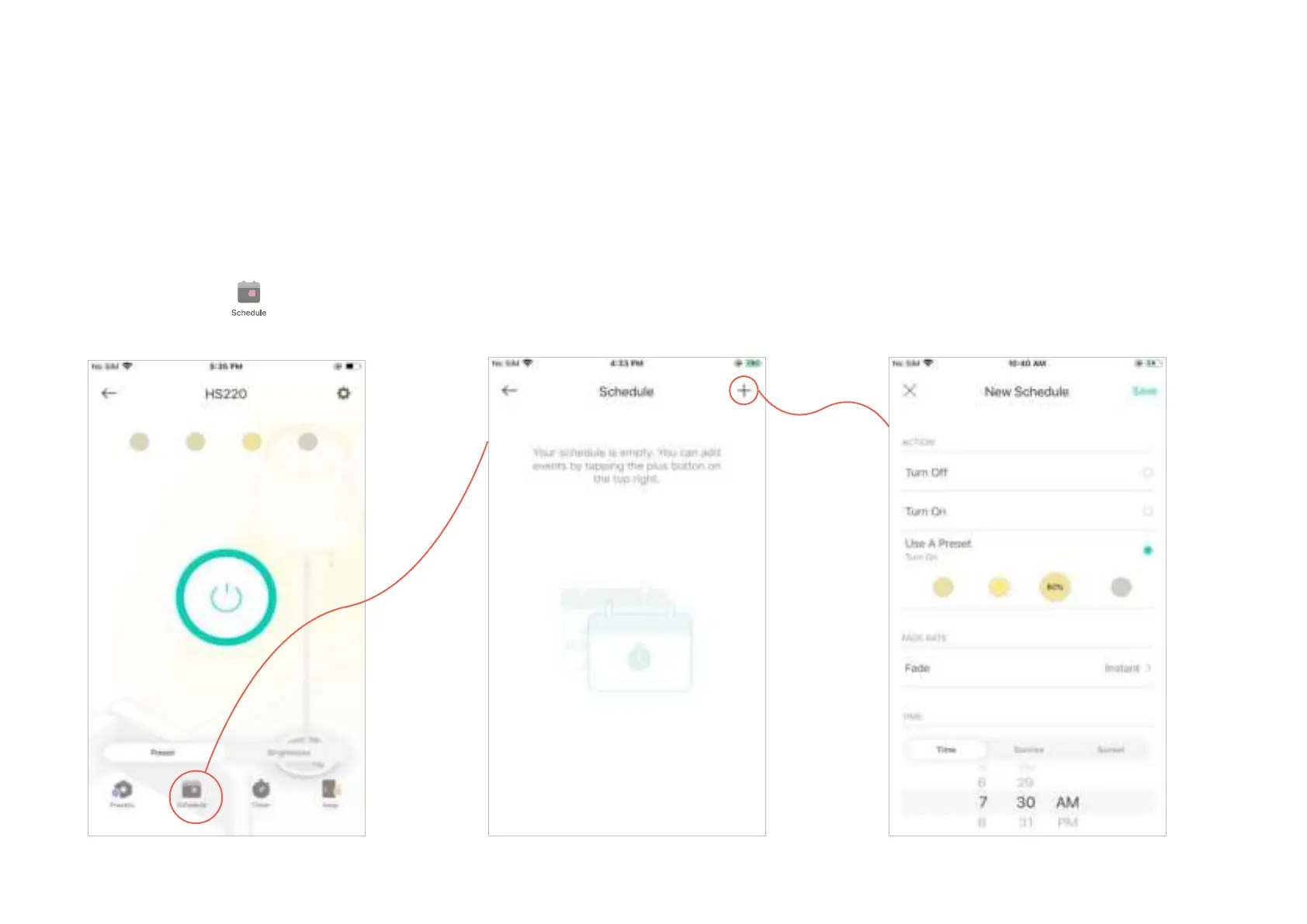
Schedule:
Set schedules to automatically turn on/o the light or apply a preset at set times according to
your daily routine.
1. Tap your Smart Dimmer in the Home
page, and then tap
.
2. Tap + on the top right corner.
3. Set a schedule to turn the light on or o,
or apply a specic preset eect.
e.g. I want to turn on the light using the
preset of 80% brightness.












 To Next Page