11
Set Timer
Timer:
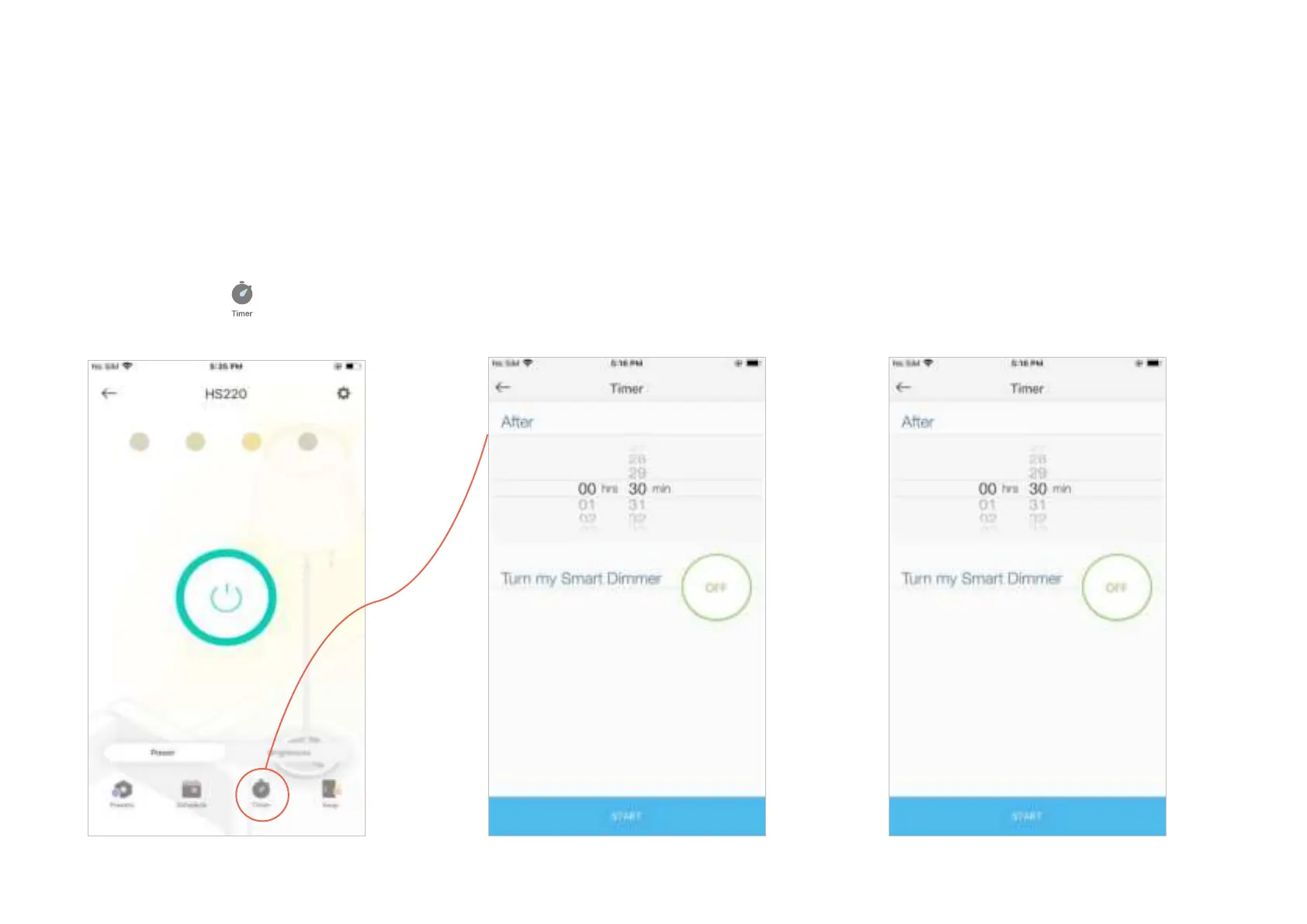
Set the timer for your Smart Dimmer to automatically turn on/o after the time ends.
1. Tap your Smart Dimmer in the Home
page, and then tap
.
2. Set the time after which the dimmer will
be automatically turned on/o.
For example, when I turn on the light, I want
it to be o after 30 minutes.
2. Tap START and you'll see the timer is
counting down. Tap STOP to stop the Timer
at any time.












 To Next Page