2
Introduction
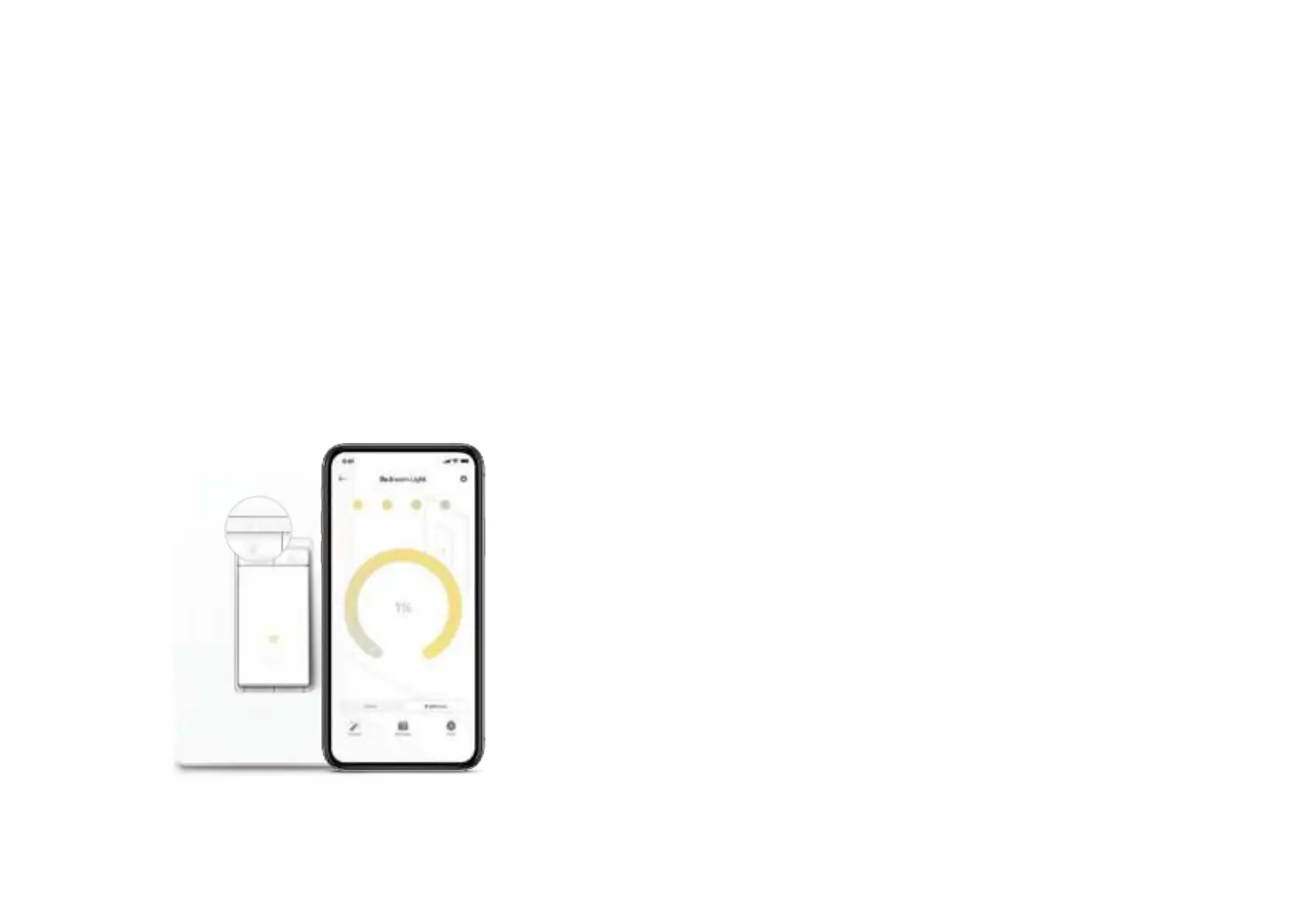
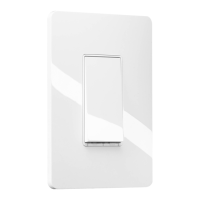
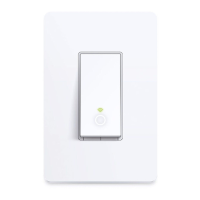
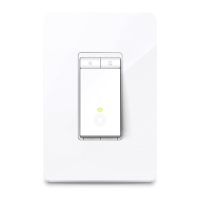
With the Smart Dimmer, you can control the ambiance of any space with the push of a button. Download the Kasa Smart app and control your dimmer
remotely. The Kasa Smart app provides easy step-by-step installation instructions and convenient remote control from anywhere.
• Brightness Control - Control the brightness of your lights to set the perfect ambiance for any activity
• Control Your Lights From Anywhere - Control your dimmer from wherever you are with the free Kasa app
• Hands-free Experience - Control your lights by voice commands through support from Amazon Alexa and Google Assistant
• No Hub Required - Work with a 2.4GHz Wi-Fi network, no need for a hub or extra equipment.
• Scheduling - Program lights to turn o and on at set times throughout the day or night
Phone not included;
Works with iOS and Android











 To Next Page