36
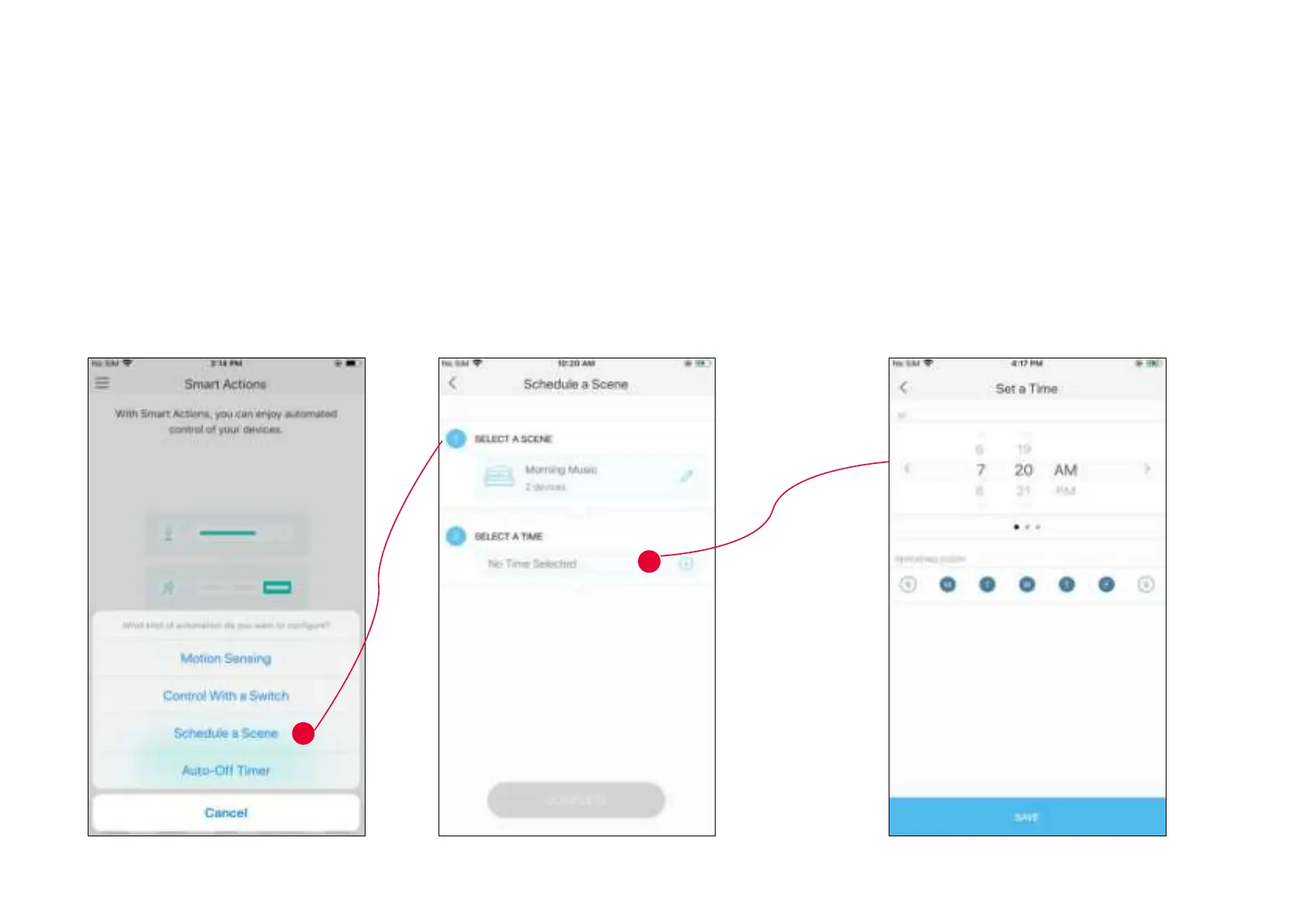
1. Tap Schedule a Scene then select a scene you have created.
For example: I want to turn on my
Morning Music scene, which turns on my light switch
and my music speaker (plugged in to a Kasa smart plug) with just a tap, at 7: 20 AM
every weekday.
2. Set the time and frequency at which you
want your scene to be turned on .
3. Congure Schedule a Scene
e.g.: I want to turn on the scene I have created automatically at scheduled time.











 To Next Page