70
VPN Server&Client
Chapter
9
9. 4. VPN Connections
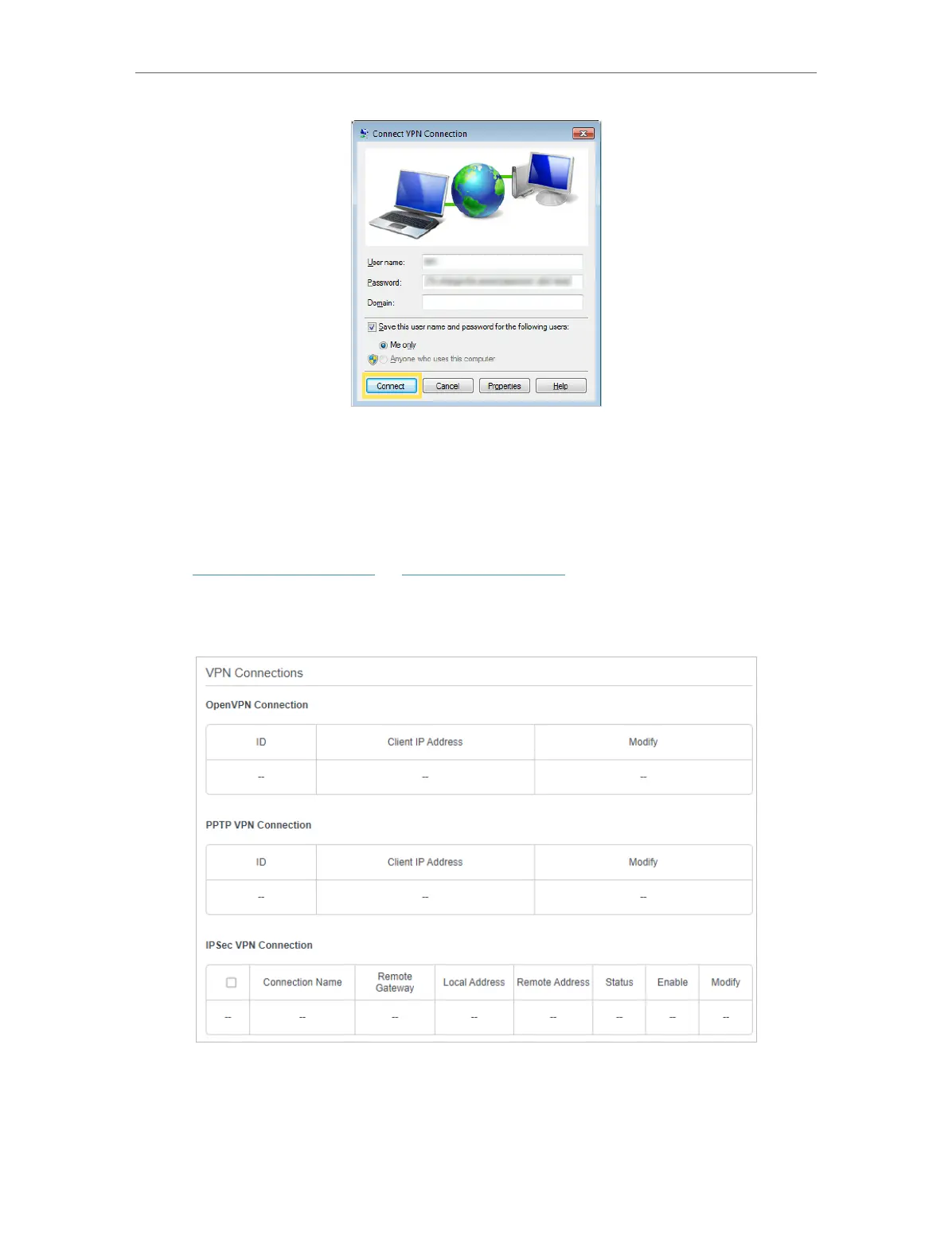
VPN Connections page displays the clients that are currently connected to the
OpenVPN servers, PPTP VPN servers and IPSec VPN hosted on the router.
1. Visit http://tplinkmodem.net or http://192.168.254.1, and log in with your TP-Link ID
or the password you set for the router.
2. Go to Advanced > VPN > VPN connections.











 To Next Page