18
Chapter 4
Set Up Internet Connection
Note:
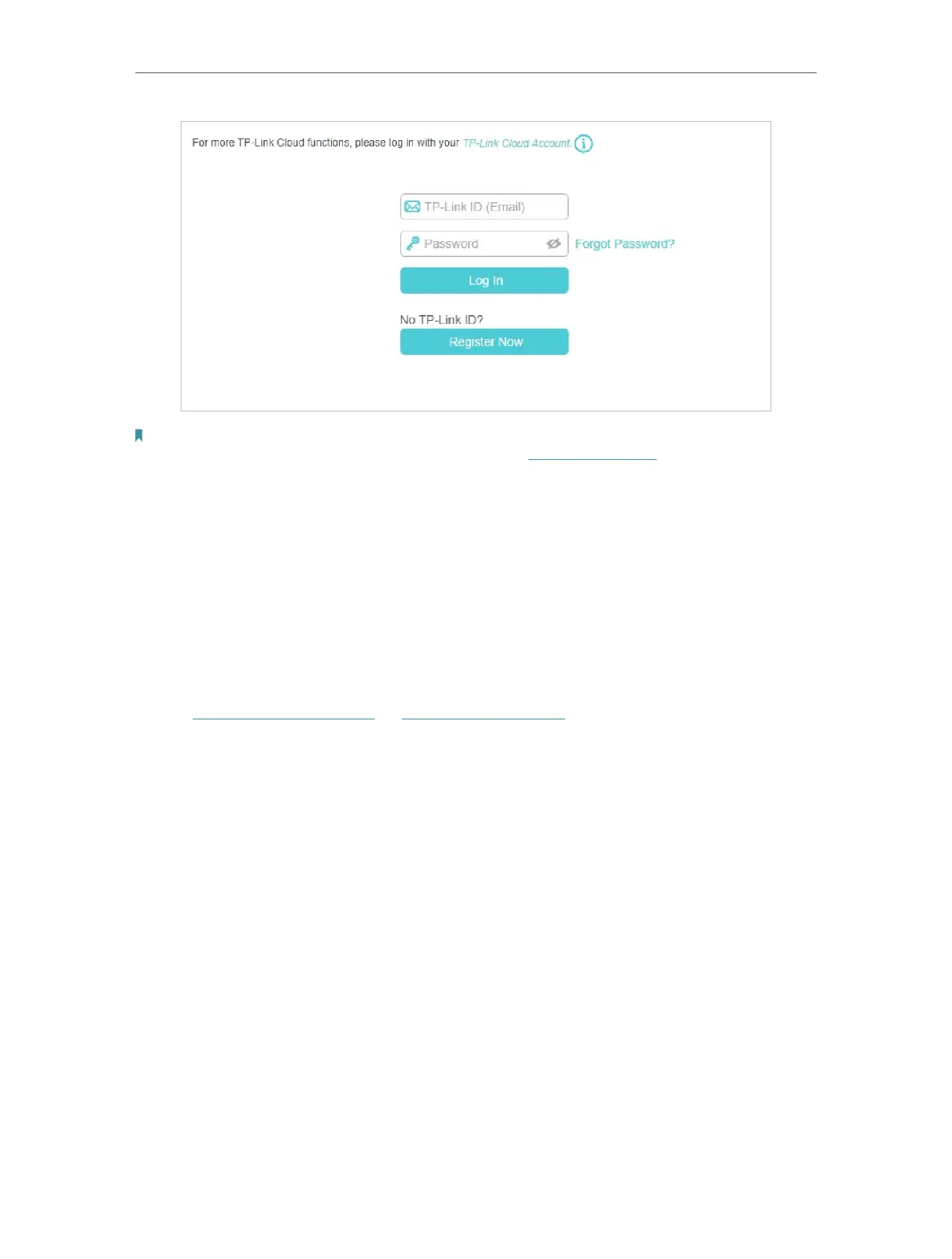
• To learn more about the TP-Link Cloud service, please refer to the TP-Link Cloud Service section.
• If you do not want to register a TP-Link ID now, you may click Skip to proceed.
• If you have changed the preset wireless network name (SSID) and wireless password during the Quick Setup process,
all your wireless devices must use the new SSID and password to connect to the router.
4. 2. Manually Set Up Your Internet Connection
In this part, you can check your current internet connection settings. You can also
modify the settings according to the service information provided by your ISP.
¾ Dial-up Internet access via Mobile WAN:
1. Visit http://tplinkmodem.net or http://192.168.254.1, and log in with your TP-Link ID
or the password you set for the router.
2. Go to Basic > Internet page. You are recommended to keep the default value. If your
ISP settings are not detected by the router, you can create an internet connection in
Advanced > Network > Mobile WAN.
3. Configure Dial-up settings.











 To Next Page