Overview
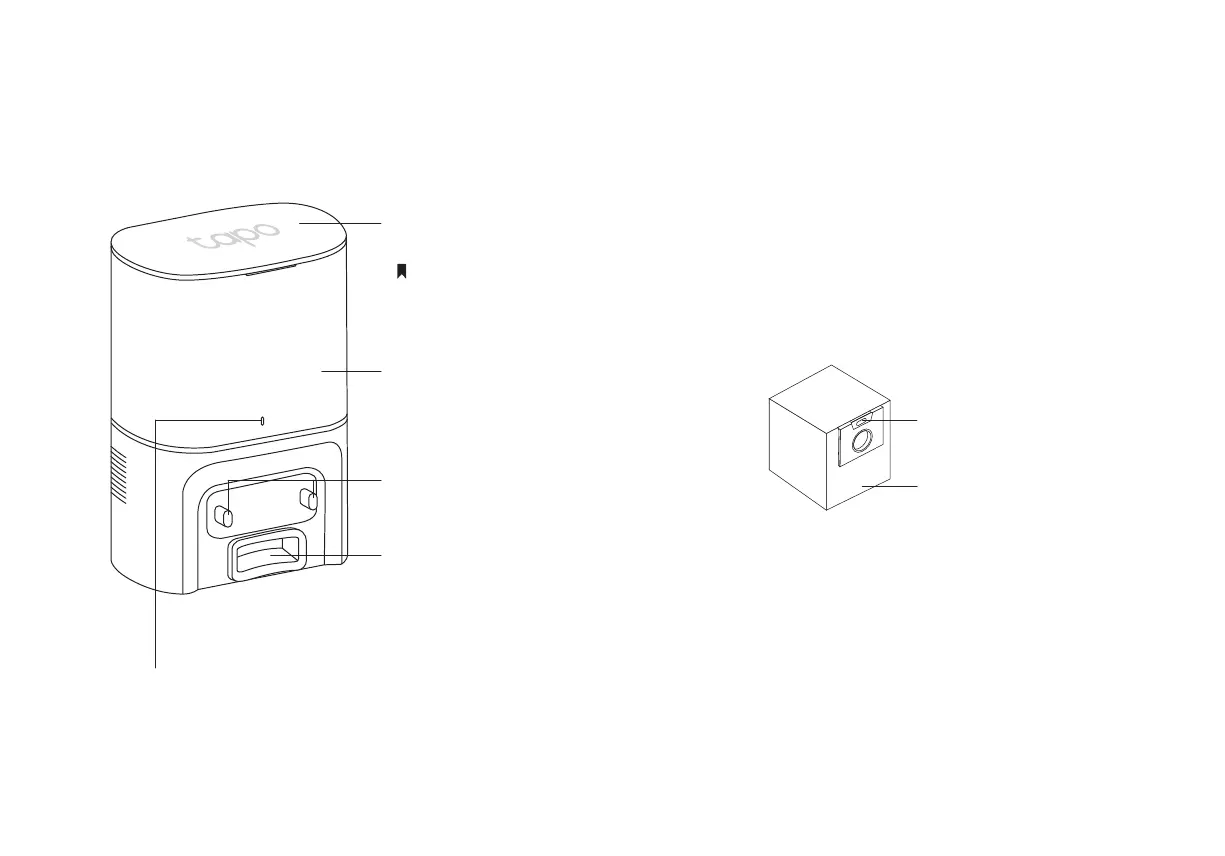
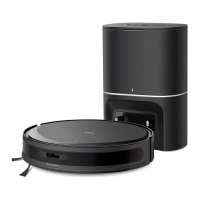
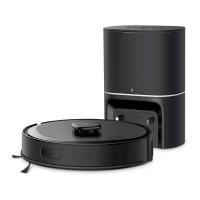
Auto-Empty Dock
LED Indicator
Top Cover
Open to install/take out the dust bag.
Dust Bag Compartment
Charging Contacts
Dust Collection Port
The dust in the robot vacuum will be
collected into the dust bag through the port.
• White: Working properly
• Pulsing White: Charging the robot vacuum
• Flashing White: Dust bag not installed or something wrong with the dust channel
4
Close the cover each time you open it,
especially before auto-emptying.
Dust Bag
Dust Bag Handle


 To Next Page