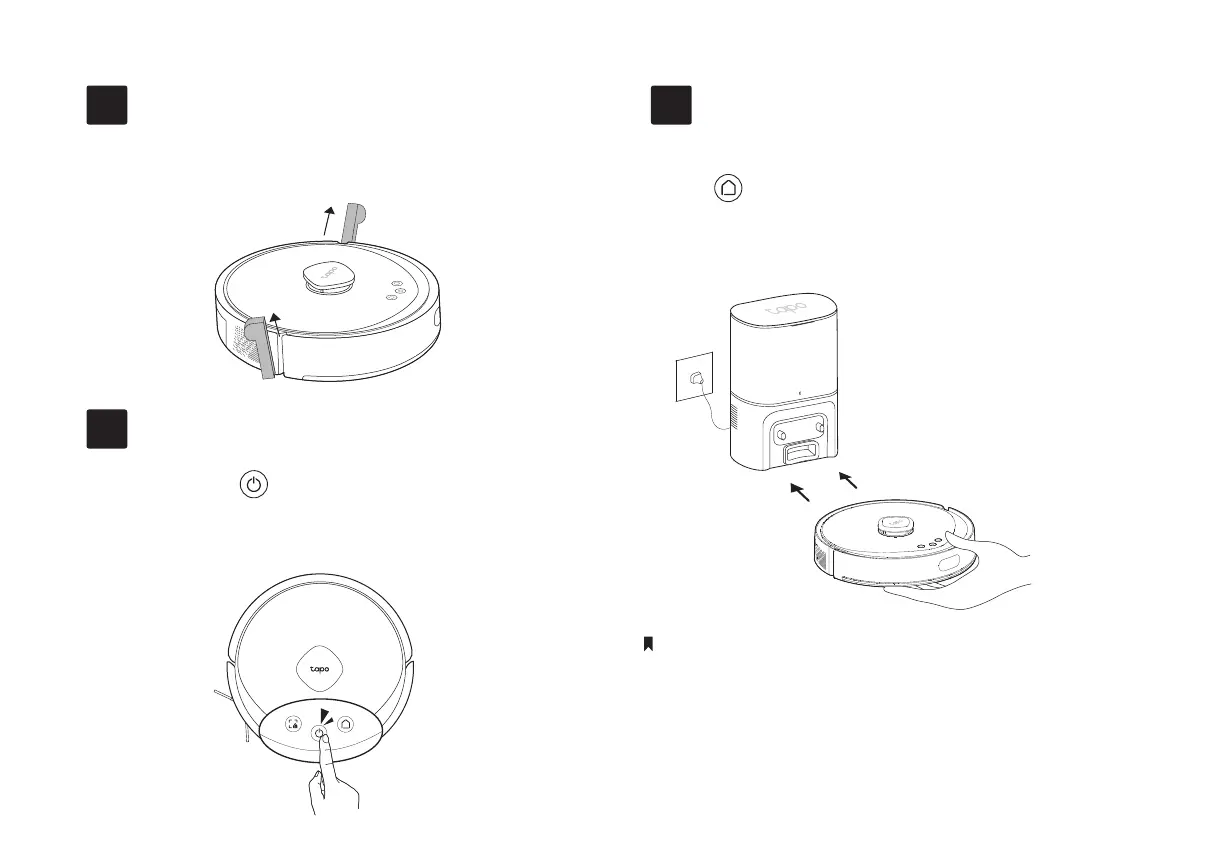
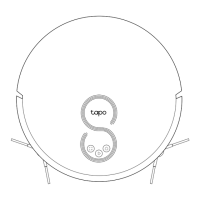
Remove Protective Strips
2
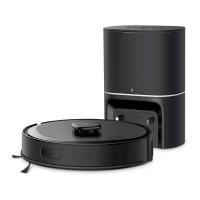
Charge Robot Vacuum
4
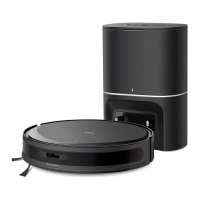
Place the robot vacuum on the charging dock
or tap to send it back to the dock to charge.
It will return to the dock at the end of a cleaning
job and whenever it needs to recharge.
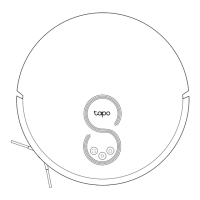
Remove the protective strips on both sides of the
front bumper.
Turn On Robot Vacuum
3
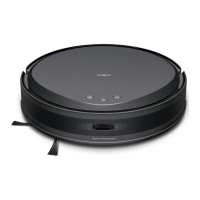
• When you place the robot vacuum on the charging dock, the robot vacuum will
turn on automatically.
• When the LED of the charging dock ashes 3 times, the charging will begin.
• We recommend that you fully charge the robot vacuum for about 4 hours prior
to starting the rst cleaning job.
Notes
Press and hold for 3 seconds to turn on the
robot vacuum. You will hear either "Turning On" or a
beep, indicating a successful power-on.
6


 To Next Page