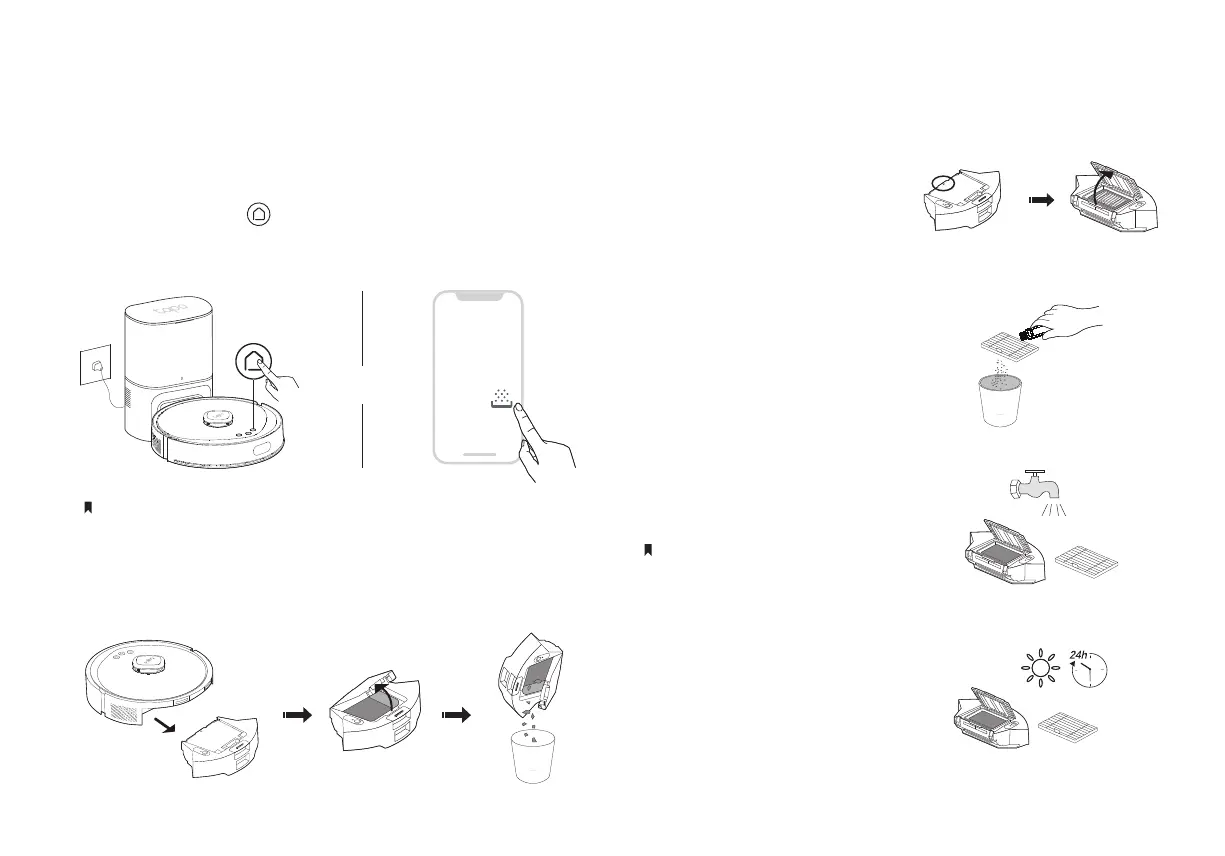
Empty the Dustbin
11
Clean the Filter
1. Remove the dustbin and
open the lid.
2. Remove the lter and
clean the lter.
4. Air-dry the dustbin and lter
thoroughly, then reinstall the
lter as it was originally
positioned.
3. Wash the dustbin and lter.
Do not wash with hot water or detergents.
Option 2: Empty Manually
Remove and open the dustbin to empty the dustbin.
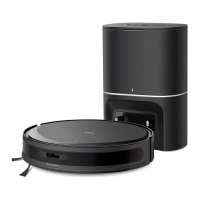
1. Remember to close the dock cover for auto-emptying.
2. Auto empty will not start until the robot vacuum has cleaned for more than 30 minutes in total.
Option 1: Auto-Empty
It automatically empties the dustbin after cleaning.
You can also press on the robot vacuum when docked
or tap the Empty button in the Tapo app to suck up dust
and debris in the dustbin to the dust bag.
OR


 To Next Page